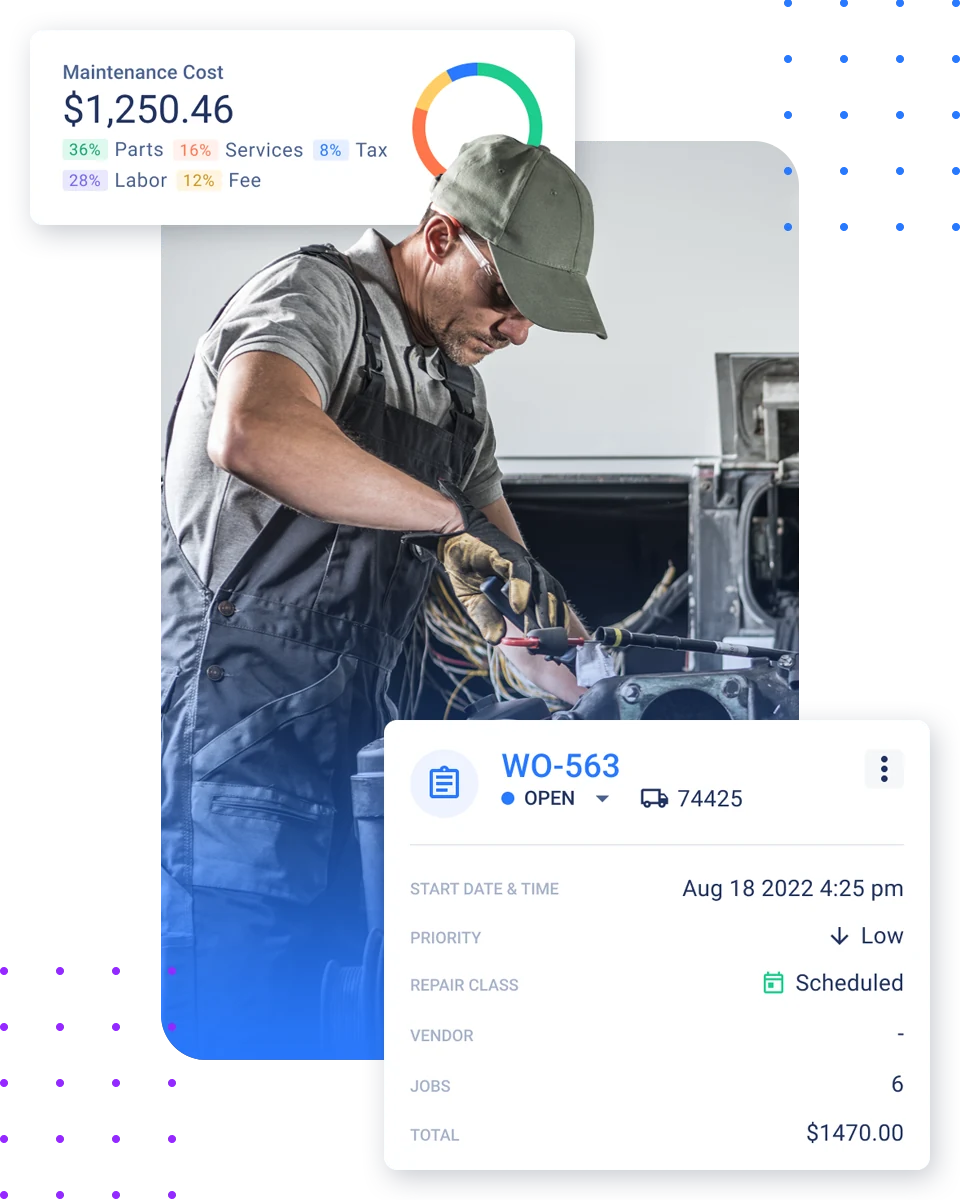
Free-text work orders are easy to write and nearly impossible to analyze. Two technicians describe the same brake job three different ways, a third files it under "miscellaneous," and a few months later you can't answer a basic question: which component is failing most often, on which vehicles, and what it's costing you. VMRS solves this by giving every repair the same underlying structure, so the notes your team captures on the shop floor become data you can actually report on.
This guide is the practical how: what to standardize first, how to get technicians using it without slowing them down, and how to connect coded jobs to parts and reporting. If you're still fuzzy on what VMRS is or where it came from, start with our VMRS overview and come back.
What VMRS actually changes on a work order
VMRS replaces vague descriptions with a consistent vocabulary. Instead of a free-text note, each repair line answers the same handful of questions the same way every time: which system on the vehicle was involved — brakes, electrical, cooling, and so on — which assembly and component within that system, what prompted the repair, and what work was actually done.
The important part for implementation: nobody types or memorizes anything from a chart. In software that supports VMRS, these are structured fields a technician picks from a list. The standard does the organizing in the background; the technician just describes the job in plain terms and the system files it consistently. That consistency is the whole point — when every shop, every truck, and every vendor records the same failure the same way, fleet-wide analysis stops being guesswork.
Before you start: three prerequisites
Software that supports structured coding
This is the one piece you can't fake with a spreadsheet. You need work-order software where the VMRS fields are built in and selectable, so coding happens as a byproduct of logging the job rather than a second data-entry step. Fleetpal's digital work orders are built this way — the structure is there from the first line a technician opens.
A deliberately narrow starting scope
The fastest way to kill a VMRS rollout is to try to code everything on day one. Pick a small set of high-volume systems and start there.
Buy-in from the people doing the logging
VMRS lives or dies on the shop floor. If technicians treat it as paperwork, the data will be sloppy no matter how good the software is. Bring them in early and frame it around something they care about — fewer repeat repairs, faster diagnosis, less time arguing with vendors.
1Start with your highest-volume systems
Don't begin with the rare, complicated repairs. Begin with the work your fleet does constantly — the routine, high-frequency systems where you already have volume. Coding these first gives you a clean, meaningful dataset quickly, and it lets technicians build the habit on jobs they do every week. You can widen scope later; right now you want momentum and a fast payoff, not coverage.
2Map your current work orders to VMRS dimensions
Before you change any workflow, look at how your team records repairs today and line it up against what VMRS asks for: the system involved, the assembly and component, the reason for the repair, and the work accomplished. Most fleets find their existing free-text notes already contain this information — it's just buried in prose and written differently every time.
The job here isn't to invent new data. It's to take what your technicians already know and route it into consistent fields. Doing this mapping on paper first, for your starting set of systems, makes the software setup and the technician training far smoother.
3Make the standard choice the easy choice
Adoption is a user-experience problem, not a willpower problem. If selecting the right system and component takes five taps and a search, technicians will default to free text and your data will rot. The fix is to make the coded path the path of least resistance: short, relevant dropdowns, the most common selections surfaced first, and no requirement to know any codes to log a job correctly. The right software is what makes the standardized record the easiest one to create, instead of an extra chore bolted on at the end.
4Connect parts to the coded job
A coded work order gets dramatically more valuable when parts are tied to it. Once a repair is recorded against a specific system and component, the parts consumed on that job can be associated with it — which means you can finally see parts usage by component, forecast what you'll need, and spot the trucks quietly draining your parts budget.
Make this connection part of the workflow from the start rather than a reconciliation you do later. Fleetpal's parts and inventory management links parts directly to the work, so the coded job and the parts it consumed stay together — and your purchasing decisions lean on real history instead of gut feel.
5Train light, validate often
VMRS training should take minutes, not days, because the software is doing the heavy lifting. Show technicians how to pick the system and component for the jobs in your starting scope, explain why it matters to them specifically, and let them learn on real work.
Then validate. For the first few weeks, spot-check a sample of coded work orders and look for drift — the same repair landing in different places, or a quiet slide back toward free text. Catching this early, while volume is still small, is far cheaper than untangling months of inconsistent data later. A short weekly review at the start is enough.
6Widen the scope and start reporting
Once your starting systems are coded cleanly and technicians are comfortable, expand to the next set of systems and keep going until your common work is covered. By now the data is paying off: you can pull repair history by component, trigger preventive maintenance off real failure patterns instead of generic intervals, compare shops and vendors on equal footing, and back up budget conversations with numbers.
This is the moment the whole effort justifies itself. Standardized coding isn't the goal — the goal is decisions you couldn't make before, and this is where they start.
Common pitfalls to avoid
Over-scoping on day one. Trying to code every system immediately overwhelms technicians and produces messy data. Start narrow.
Leaving the free-text escape hatch wide open. If logging a job without coding it is easier than coding it, that's what will happen. Make the structured path the easy one.
Skipping validation. Coded data drifts. Without spot-checks, you can spend months building a dataset you can't trust.
Treating it as an IT project. VMRS succeeds on the shop floor, not in a configuration screen. Technician buy-in matters more than any setting.
The payoff
What good looks like after 90 days
A fleet that implements VMRS well doesn't end up with a binder of codes — it ends up able to answer questions it couldn't before. Which components fail most, and on which vehicles. What a given repair really costs once parts and labor are counted. Whether a vendor's work holds up. Which trucks are quietly the most expensive to keep running. None of that requires anyone to memorize a standard. It just requires that every job, from the first one, gets recorded the same consistent way — which is exactly what implementing VMRS in your work orders sets up.