Repair Shops
Heavy-duty repair shop software that turns work orders into paid invoices
Run customer trucks and your own fleet in one system. Fleetpal gives heavy-duty and diesel repair shops work orders, parts inventory, customer price tiers, and invoices you can send and track — billed to any customer, not just the unit owner.
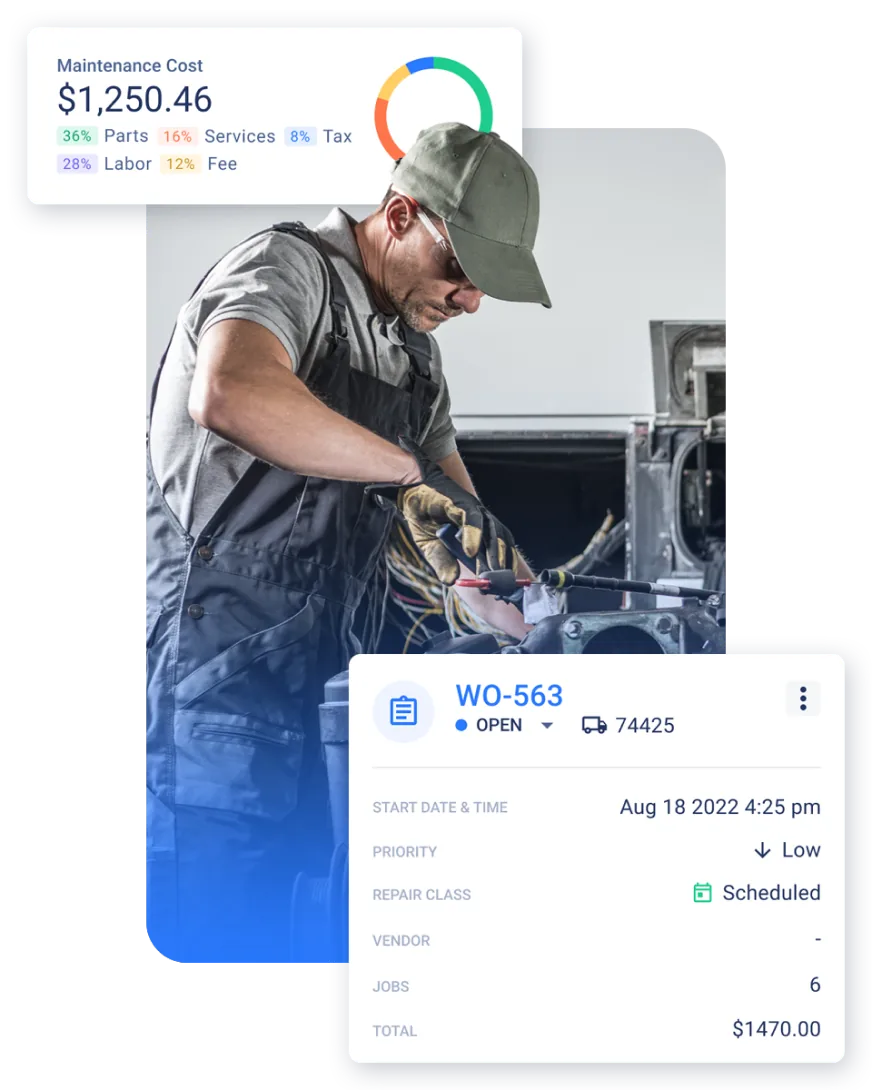
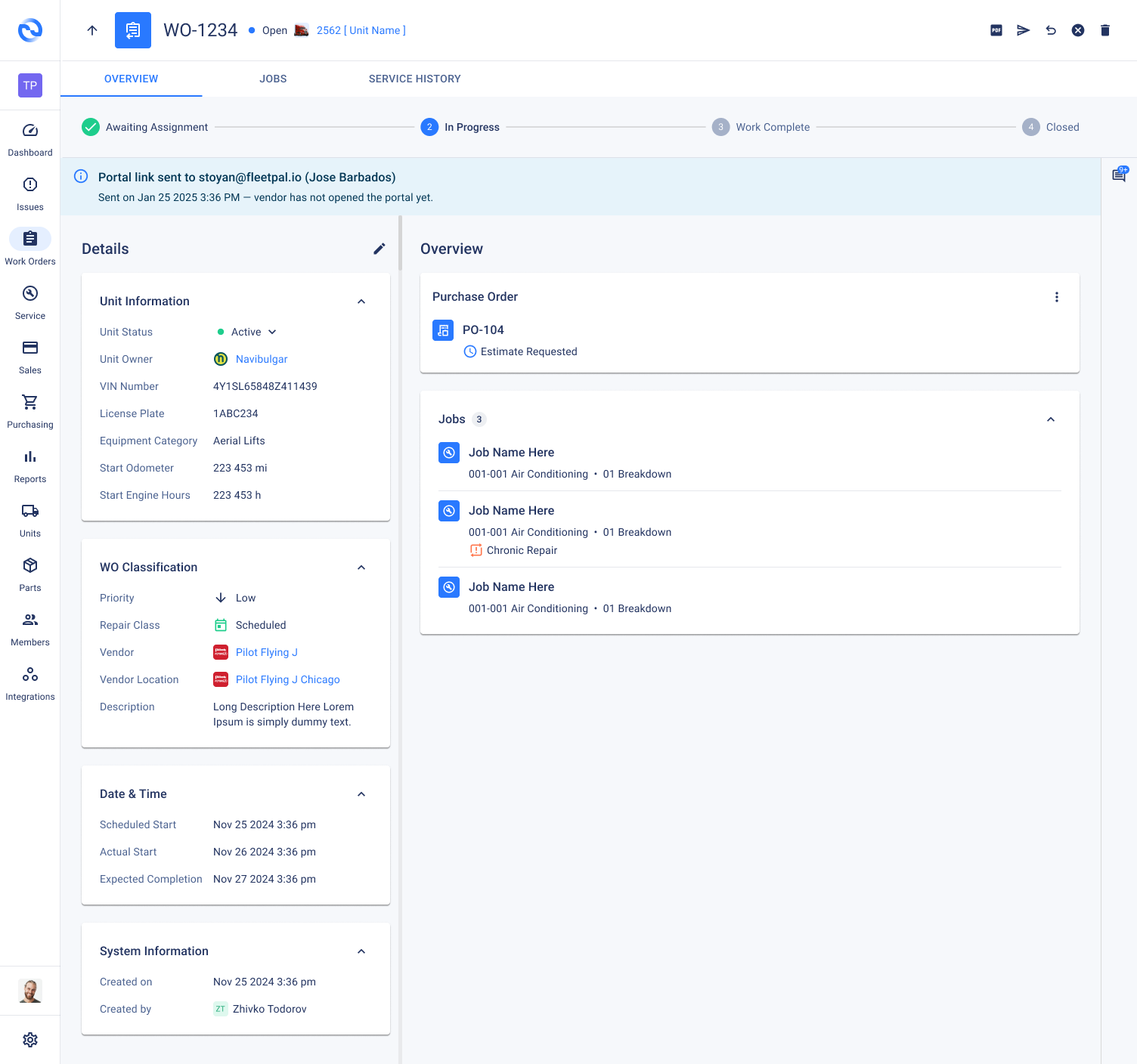
Work order to invoice
Close the work order — the invoice is already priced
Billed to the right customer
A work order can be billed to a different customer than the unit's owner — with the customer's PO number and payment terms on the invoice.
Price tiers applied automatically
Each customer's price tier sets its own rates for parts, labor, services, fees, and taxes — and Fleetpal applies them the moment the invoice is generated.
Add lines after the fact
Need to bill something the work order didn't capture? Add line items directly to the invoice after the work order closes.
Send it and record the payment
Generate a PDF with your logo, send it to the customer from the app, and record payments with method, date, and check number.
Everything a heavy-duty shop needs to run the business
Customer price tiers
Different rates for fleet accounts, walk-ins, and national accounts.
Parts markup rules
Percentage, margin, or flat pricing with cost floors, per tier.
Auto-applied fees
Shop supplies and other fees calculated on parts, labor, or services.
Work orders
Job templates, labor, and parts on every repair you take in.
Parts & purchasing
Tracked inventory with average cost and purchase orders.
Customer records
Companies, addresses, PO numbers, and payment terms in one place.
Payment tracking
Record payments against invoices and see what's outstanding.
Your fleet too
PM, inspections, and parts for your own units on the same platform.
From work order to paid invoice in three steps
Do the work
Open a work order with job templates, pull parts from inventory, and log labor as the repair happens.
Invoice it
Fleetpal generates the invoice from the work order with the customer's price tier applied — fees and taxes included. Turn on auto-invoicing on work order close if you want it hands-off.
Get paid
Send the branded PDF from the app, then record the payment against the invoice — amount, method, date, and check number.
Trusted by heavy-duty operations that run on Fleetpal
5.0on G2"Best site to use for your fleet"
"Management platform made it simple."
"Best time and money saving Fleet software on the market."
Explore more of the platform
Work Orders
Create, assign, and track every repair.
Learn moreParts Inventory
Track stock, costs, and purchase orders.
Learn morePM Scheduling
Schedule service by mileage, hours, or time.
Learn moreFleet Inspection Software
DVIRs, annual inspections, and in-shop checks.
Learn moreIntegrations
Sync telematics so meters and fault codes flow in.
Learn moreHeavy-duty repair shop software FAQ
What is heavy-duty repair shop software?
Heavy-duty repair shop software runs the business side of a truck or equipment shop — work orders, parts inventory, customer pricing, and invoicing — in one system, so jobs move from the bay to a priced invoice without spreadsheets or paper. Fleetpal is built for shops that service heavy-duty trucks, trailers, and equipment.
Does Fleetpal work for diesel and truck repair shops?
Yes. Fleetpal is built around heavy-duty work: diesel trucks, trailers, and equipment. Shops run work orders with job templates, pull parts from tracked inventory, and bill the work to the right customer at that customer's prices.
Can a repair shop bill a customer who isn't the unit owner?
Yes. A work order can be billed to a different customer than the unit's owner — useful for warranty work, third-party billing, and shops that service units for multiple companies. The invoice carries the customer's details, PO number, and payment terms.
How do customer price tiers work?
Each customer is assigned a price tier, and every tier carries its own pricing rules for parts, labor, services, fees, and taxes. When you invoice a work order, Fleetpal applies that customer's tier automatically — so your fleet accounts, walk-ins, and national accounts each get the right rates without manual math.
How does parts markup work?
Parts pricing is rule-based per price tier: percentage markup or margin, flat markup, or a flat selling price, with an optional cost floor. Rules are computed from each part's tracked average cost, so selling prices stay right as your purchase costs change.
Can shop fees be applied to invoices automatically?
Yes. Fees like shop supplies can be set as a percentage or a flat amount, calculated on parts, labor, or services, with optional minimum and maximum caps and a taxable flag. Once a fee's conditions are met, it's applied to the invoice automatically.
How do I create an invoice from a work order?
When a work order is done, Fleetpal generates the invoice from it — line items come straight from the work order's jobs, parts, and labor, priced by the customer's tier. You can also add line items directly to the invoice after the work order closes, and shops that want it can turn on automatic invoicing on work order close.
Can I send invoices and track payments?
Yes. Invoices carry payment terms and due dates, generate as PDFs with your company logo, and can be sent to the customer from the app. Payments are recorded against each invoice with the amount, date, payment method, and check number, so you always know what's outstanding.
Can one system run both customer repairs and my own fleet?
Yes. Fleetpal runs shop work and your own units side by side — customer work orders and invoicing on one hand, preventive maintenance, inspections, and parts inventory for your own fleet on the other, all on the same platform.
Run the shop. Bill the work.
See how Fleetpal takes a heavy-duty repair from the first work order to a priced, sent, and paid invoice.