Fleetpal 3.0: Control Who Sees What
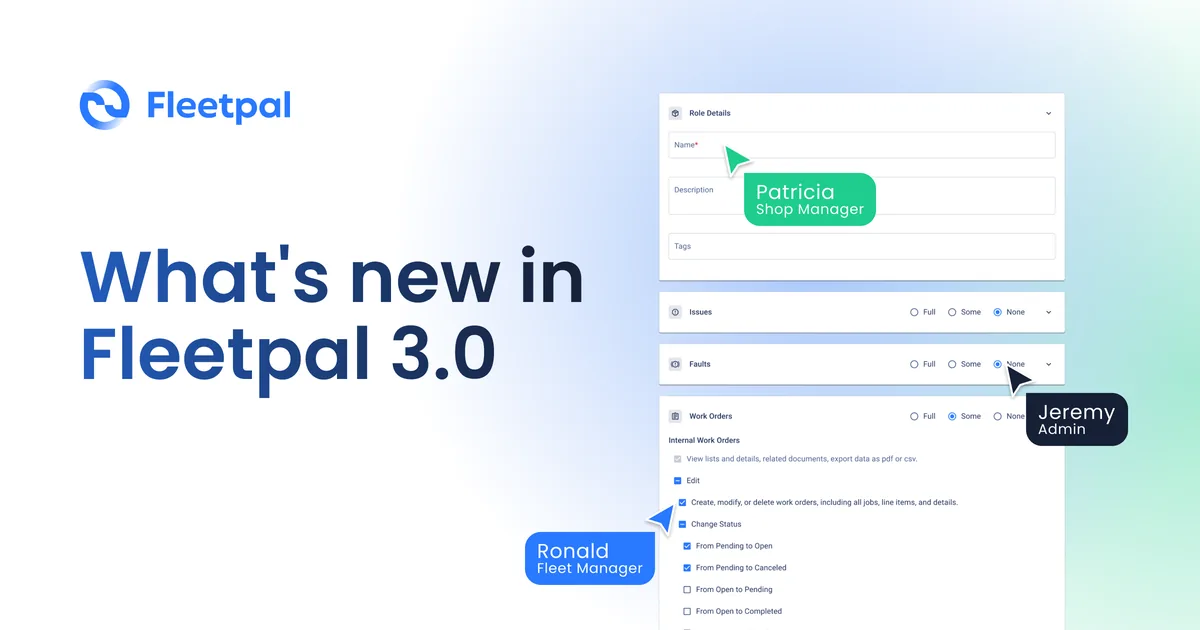
Fleetpal 3.0 went live on August 5, 2026. It is the biggest platform release of the year, and the centerpiece is control: you now decide exactly who sees what inside Fleetpal, from the technician on the shop floor to the CFO who only wants the numbers.
Access control built for how fleet shops run
A fleet operation is a crowd. Drivers submit inspections, technicians work orders, parts staff manage inventory and purchasing, service managers approve and assign, and executives want visibility without ever touching a record. A single permission level serves none of those jobs well.
Fleetpal 3.0 introduces granular, role-based access control across the platform. Permissions span 12 modules, and every section within a role can be set to Full, Some, or None.
See where your fleet is losing money
Fleetpal brings inspections, work orders, and PM schedules into one system — so downtime stops catching you off guard. Book a 20-minute walkthrough.
Schedule a demoBuild your own roles
The new Role Builder lives in Account Settings → User Roles. Create a role, name it, and set access module by module. A parts role can live in inventory and purchase orders without seeing anything else. A technician role can work its orders without a view into vendor pricing. You decide, section by section.
Meet the Viewer role
Alongside custom roles, 3.0 ships a built-in Viewer role: read-only access with CSV and PDF export. A Viewer sees the whole operation and changes nothing.
Fleetpal pricing is based on active units, not seats, so adding Viewer seats costs you nothing. Give your CFO, your VP of operations, or your safety manager a standing window into maintenance spend, downtime, and shop workload. They get answers without asking your team to run reports, and your data stays exactly as your team left it.
Fleetpal Inspect now syncs both ways
In 3.0, Fleetpal Inspect and Fleetpal talk to each other in both directions. When a driver fails an item on an inspection, Fleetpal creates an Issue automatically. When your shop resolves that Issue, the resolution flows back to Fleetpal Inspect, so the driver and the inspection record both reflect the fix.
No copying defects into the work queue by hand, and no wondering whether the shop saw Tuesday's brake write-up. The sync runs on Fleetpal's webhook infrastructure and happens in the background as inspections come in.
Fleetpal Inspect also has a free version for qualified fleets: 30 or more active power units in the US or Canada, verified by a short call. It is not a trial and does not expire. The free version runs standalone and does not include integrations; the two-way sync described above requires the paid Fleetpal platform. If your drivers are not inspecting digitally yet, start at inspect.fleetpal.io.
Also in 3.0
- Vendor purchase order updates. Minor changes to the Purchase Order section of Vendor Work Orders, in preparation for the next big release: clicking a PO number on the overview now takes you straight to the PO for estimate and invoice entry. Keep an eye out for the next release announcement. This one will be BIG.
- Redesigned member and user profiles. A cleaner, faster profile view for the people in your account.
- Inventory cross-referencing and quantity hierarchy. The item listing now puts Available Quantity ahead of On-Hand, so the number you can actually use is the first one you see.
- Plus a batch of fixes and performance improvements.
Where to find it
The Role Builder is live now under Account Settings → User Roles. Log in, build a role, and assign it.
Not on Fleetpal yet? Book a demo and we will walk you through 3.0 on your own fleet's numbers.
Frequently asked questions
Can I create custom user roles in Fleetpal?
Yes. The Role Builder in Account Settings → User Roles lets you create custom roles and set Full, Some, or None access for each section across 12 modules.
Does Fleetpal have a read-only role?
Yes. The built-in Viewer role grants read-only access with CSV and PDF export. Fleetpal pricing is based on active units, not seats, so Viewer seats add nothing to your bill.
What happens when a driver fails an inspection item in Fleetpal Inspect?
Fleetpal creates an Issue automatically. When the shop resolves the Issue, the resolution syncs back to Fleetpal Inspect, so the driver and the inspection record show the fix.
Is Fleetpal Inspect free?
Yes, a free version is available for qualified fleets: 30 or more active power units in the US or Canada, verified by a short call. It is not a trial and does not expire. The free version is a standalone inspection app and does not include integrations; the two-way Fleetpal sync requires the paid Fleetpal platform. Apply at inspect.fleetpal.io/apply.
Who should get the Viewer role?
Anyone who needs visibility without edit rights: a CFO tracking maintenance spend, an operations VP, a safety manager, an owner who checks in weekly.
The Fleetpal Team
Fleetpal builds maintenance and inspection software for commercial fleets. Our team works with fleet managers, technicians, and safety directors every day, turning shop-floor and roadside data into fewer breakdowns and lower cost per mile.
Ready to cut downtime and cost per mile?
Walk through a live setup with our team and see what your fleet's data has been trying to tell you.
Schedule a demoRelated articles
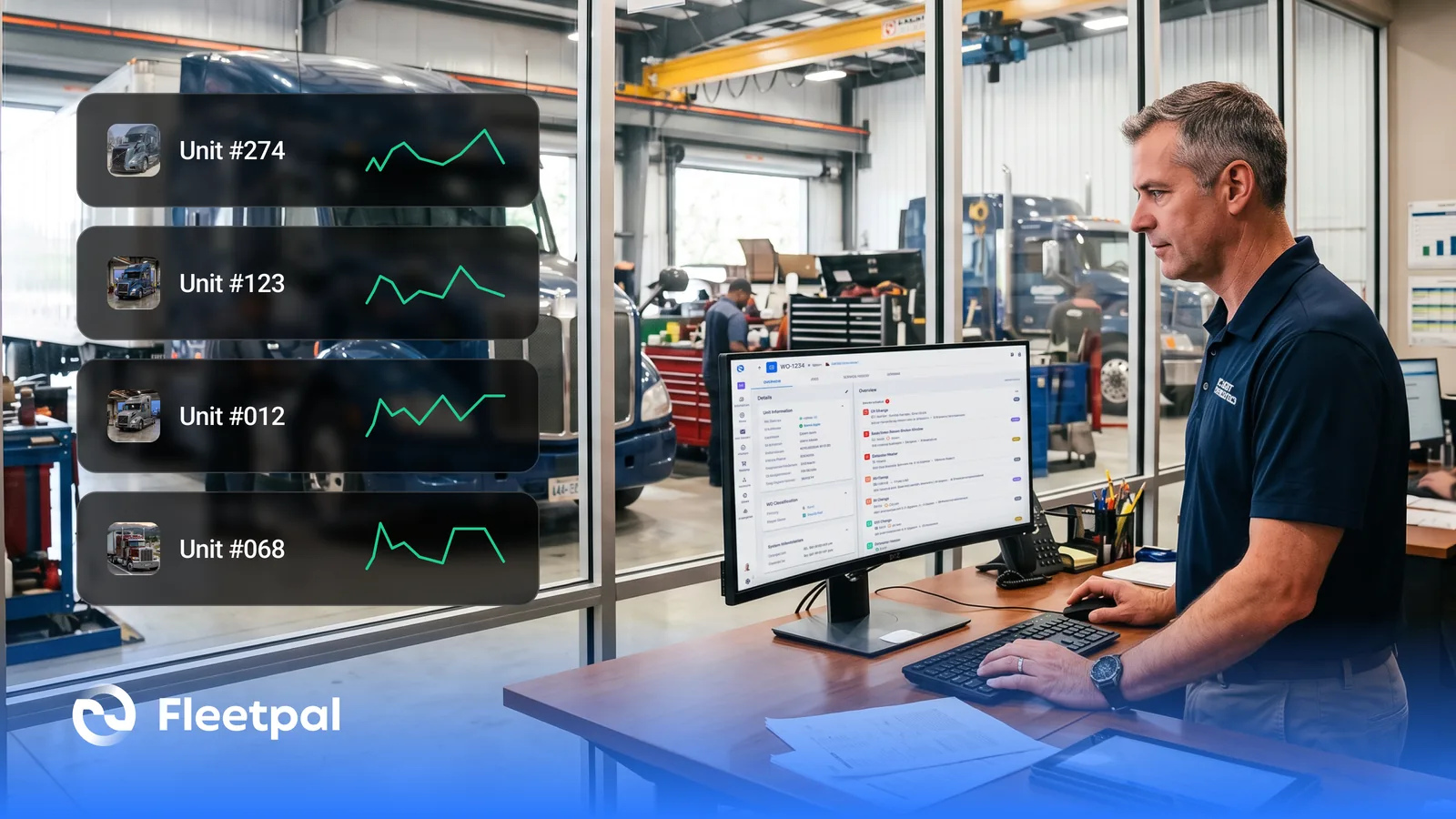
How Fleets Actually Use Maintenance Reports (and What Real-Time Fleet Insights Really Mean)
How fleets actually use maintenance reports, what real-time fleet insights really mean, and what to ask fleet reporting software vendors before you buy.
Read article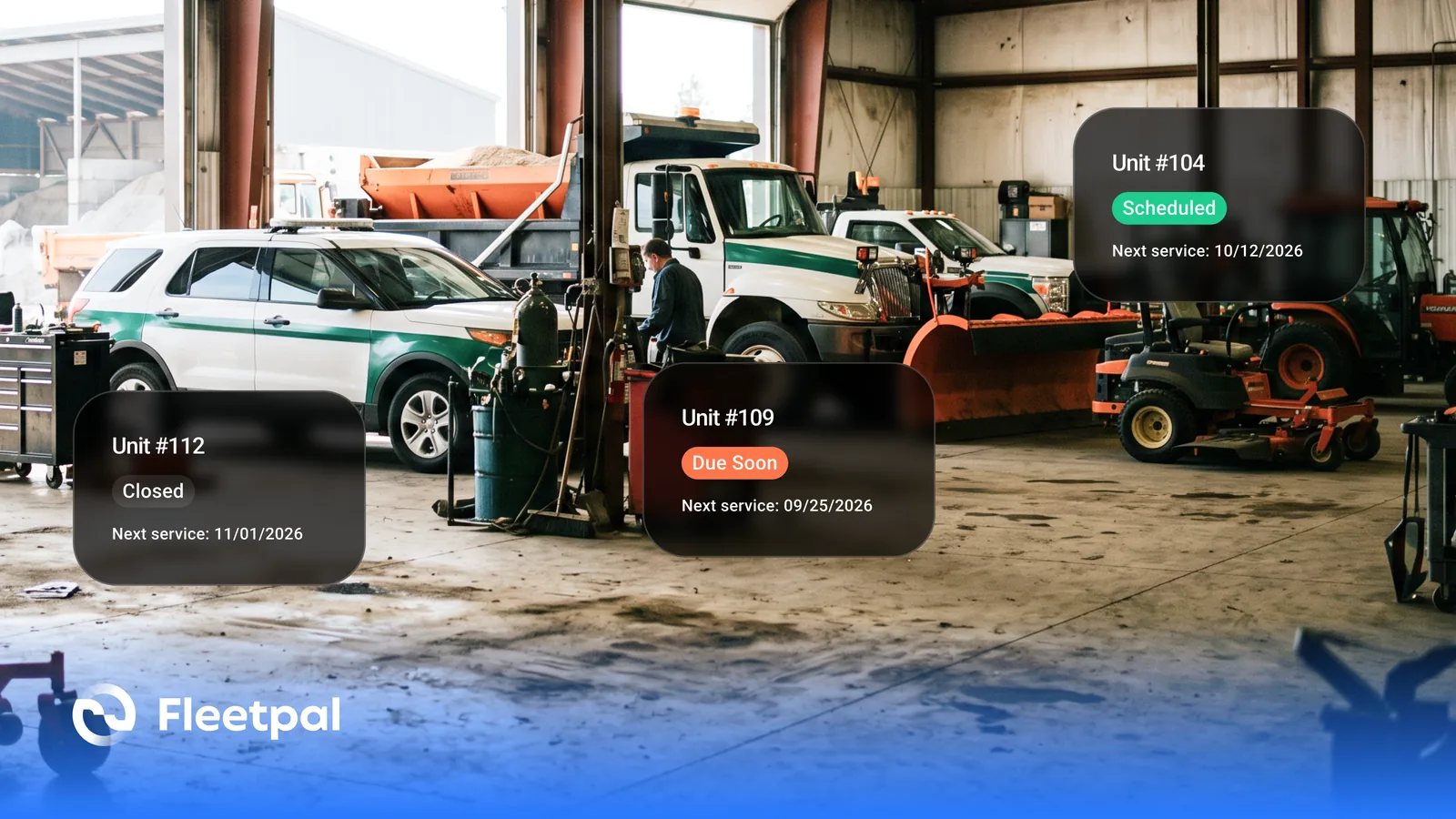
How Cities and Counties Actually Manage Fleet Maintenance (and What Software Has to Prove)
How city and county fleets manage maintenance across departments: PM on the right meter, approvals before spend, audit trails, and what to ask vendors.
Read article
How to Choose Fleet Maintenance Software for Heavy-Duty Fleets (Without a Best-Of List)
The evaluation questions that separate fleet maintenance software vendors: mixed fleets, telematics data flows, work orders, PM triggers, and cost.
Read article
How Fleets Actually Manage Parts Inventory (and Why the Count Never Matches the Shelf)
How fleet parts inventory management actually works: accurate counts, parts tied to work orders, cost per repair, and what to ask software vendors.
Read article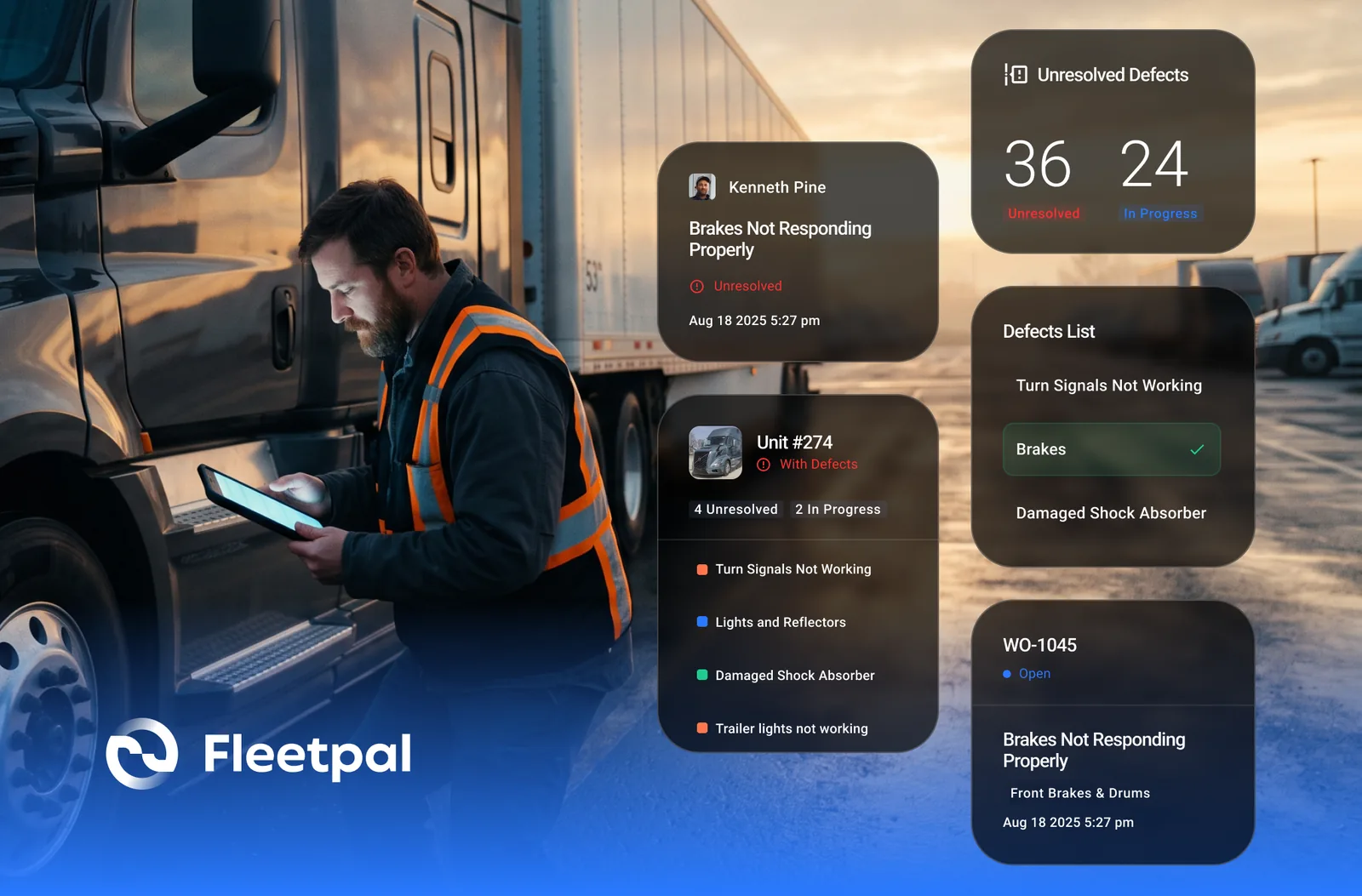
How Failed Inspection Items Become Work Orders (and Why Most Fleets Lose Them in Between)
Converting failed DVIR items into work orders: how the loop should run, where it breaks, and what to ask vendors who integrate inspections and work orders.
Read article