How Fleets Actually Manage Parts Inventory (and Why the Count Never Matches the Shelf)
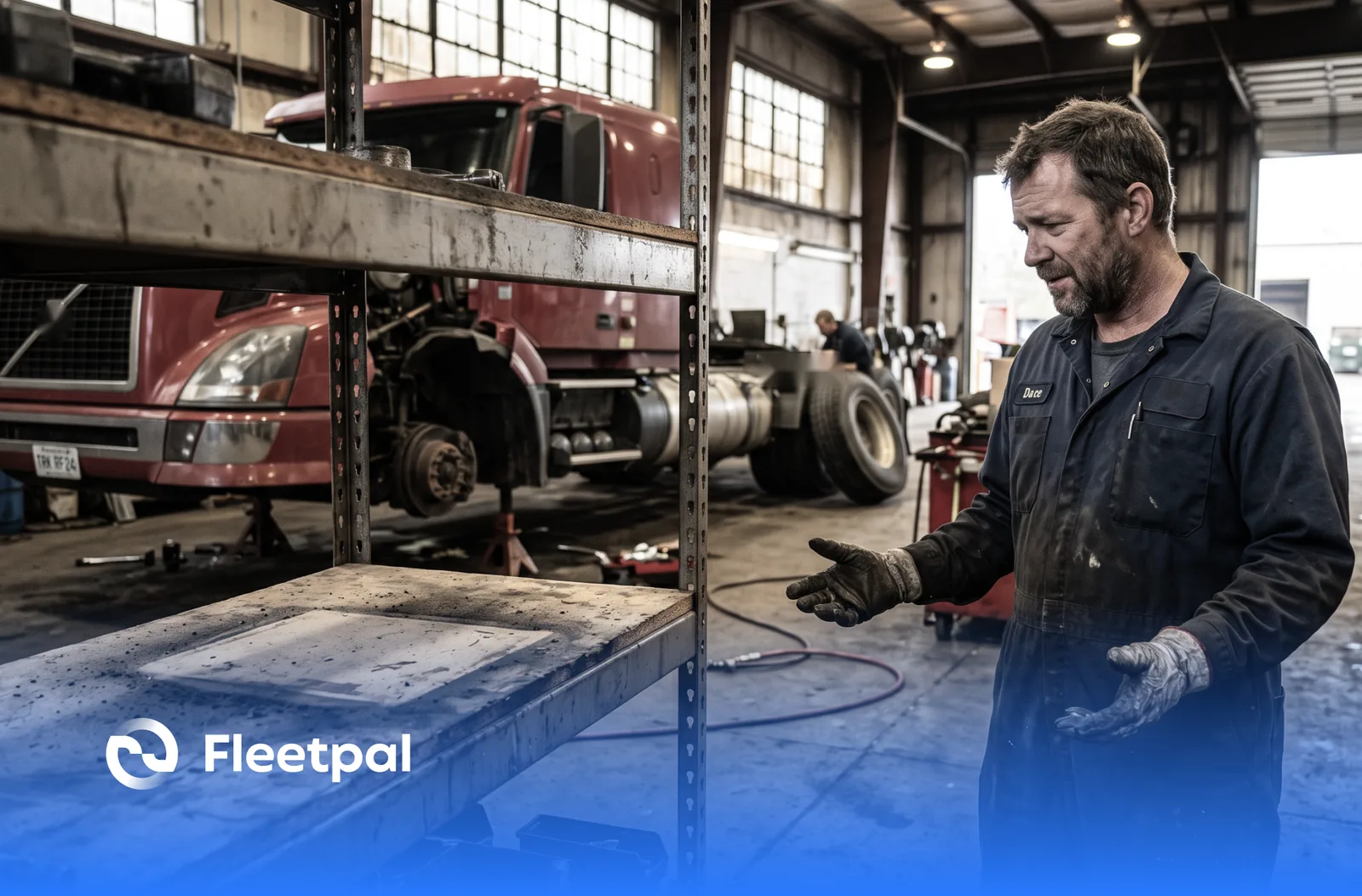
A truck is on the lift on Tuesday afternoon and the job needs a set of brake shoes. The system says two on hand. The shelf says none, because somebody took the last set three weeks ago and meant to write it down later. So the parts runner drives across town, the technician moves to a different job, and the truck that should have rolled out Tuesday night rolls out Thursday.
Nobody in that story is careless. The count was wrong because nothing forced it to be right. Parts inventory is the part of fleet maintenance where good intentions go to die quietly: the stakes per part are small, the record lives apart from the work, and the errors only surface when a bay is blocked and the clock is running. Here is how fleets actually get parts under control, what software has to do to help rather than add a second set of books, where it breaks in real shops, and what to ask any vendor who says their system handles it.
How do businesses manage fleet parts inventory?
The fleets that have this under control all converge on the same five habits, whatever software they run. They know what they have, with counts that distinguish what is physically on the shelf from what is already promised to an open job and what is on order. They know where it is, down to the bin, so finding a part does not depend on the one person who knows the room. They know what it is worth, both per part and as a total, because the parts room is usually one of the largest piles of tied-up cash in the operation that nobody can put a number on. They tie every part that leaves the shelf to the job it went on, so usage is a record instead of a memory. And they keep the count current at the two moments stock actually changes: when parts arrive and when parts get used.
In Fleetpal, each part carries four quantities: on hand, available, allocated, and on order, along with a bin location, an average cost, and the part's share of total inventory value. Parts carry their real part numbers, their supplier, and their VMRS component, so the record describes the same physical thing the shelf holds. The parts inventory page covers the full feature set.
What breaks in practice: the inventory lives in a spreadsheet, or in an accounting system, next to the maintenance system rather than inside it. Both records are updated by hand, which means both are wrong in different ways, and the shop learns to trust neither and walks to the shelf to check.
Ask the vendor: "Pick any part. Show me on hand, available, allocated, and on order, where it sits, and what it is worth, on one screen."
See where your fleet is losing money
Fleetpal brings inspections, work orders, and PM schedules into one system — so downtime stops catching you off guard. Book a 20-minute walkthrough.
Schedule a demoWhat types of software do fleets use to track maintenance, work orders, and parts inventory?
Buyers looking at this problem meet three product categories, and the differences matter more than the feature lists suggest. General inventory software counts things well but has no idea what a work order is, so parts usage never connects to repairs. Accounting systems value stock precisely but live in the office, not the shop, and a technician will not open one at the bench. The third category, the fleet maintenance platform, is the one that centralizes work orders and parts inventory in one system: the part, the job it went on, the labor beside it, and the asset it went into are all one connected record.
That connection is the entire point. Fleetpal is built as the third category: parts inventory lives in the same system as work orders, preventive maintenance, and defect tracking, so a part used on a repair updates the count, lands on the job total, and shows up in the asset's history without anyone entering it twice.
What breaks in practice: the hybrid setup, parts in the accounting system and repairs in the maintenance system, with a person re-keying between them at the end of the week. Double entry does not just cost the hour; it guarantees the two records disagree, and the disagreement compounds.
Ask the vendor: "Where does a part's cost live in your system, and how does it reach the work order and the asset's history without anyone retyping it?"
What should software that links parts and labor directly to work orders actually do?
Software that links parts and labor directly to work orders has one honest test: when a job closes, the job total should be true, and the shelf should already know. Concretely that means a technician or service writer pulls a part onto the work order with a quantity, the part's cost comes with it, labor lines sit beside the parts lines, and the work order totals parts, labor, and supplies in one number. The moment the part is used, the stock count and the inventory value change, with no separate inventory transaction to remember.
Fleetpal works exactly this way: parts are pulled onto any work order with quantity and cost, the job total combines parts, labor, and supplies, and stock counts and inventory value update automatically as parts are used. A work order can carry labor from more than one technician, so the job total holds up on the jobs where two people were under the truck. Spend is tracked per repair and flows into the cost reports, and the closed work order lands in the asset's searchable service history.
What breaks in practice: parts get billed to jobs from memory on Friday. The technician swears it was two filters, the shelf says three are gone, and the job total for Tuesday's repair is a reconstruction. Every report built on those totals inherits the fiction.
Ask the vendor: "Open a work order, add two parts and an hour of labor, and show me the job total and the new stock count without leaving the screen."
Should software automatically reorder parts when stock runs low?
No, and it is worth being direct about it, because automatic reordering is one of the category's favorite promises. Truck parts do not get used on a smooth curve. A part sits untouched for five months and then three trucks need it in the same week, because the fleet bought those trucks together and they age together. A formula watching last month's usage reads the quiet five months as "stock less," reads the busy week as "stock more," and is wrong both times. And an automatic purchase amplifies whatever the count gets wrong: if the record says two when the shelf says five, the system buys parts you already own, and now the count is wrong and the shelf is overfull and the cash is spent.
The better design keeps the decision human and makes it fast. The person who buys parts should see the number that actually matters first, which is available stock, not the raw on-hand count that includes parts already promised to open jobs. They should see what is already on order, so two people do not solve the same shortage twice. And they should see the part's usage history, so the decision is based on what this fleet actually consumes rather than a reorder formula written for a warehouse. A minimum threshold earns its keep as a prompt. It fails as a purchasing agent.
Fleetpal is built on that side of the argument. Each part can carry a minimum and maximum stock setting, and a report shows everything currently sitting below its threshold. There are no popup alerts and no automatic purchases: the below-minimum report is the parts room's shopping list, reviewed by a person who can see the rest of the story next to it. Since the 3.0 release, the item listing puts available quantity ahead of on hand, so the first number you see is the one you can actually use. On-order quantities are visible on the part, average cost is maintained on the part, and the purchase stays a decision a person makes.
What breaks in practice: a shelf full of parts a formula bought for trucks that left the fleet last year. Or the opposite failure, the automation that ordered wrong once and lost the parts room's trust forever, after which everyone went back to the notepad.
Ask the vendor: "What happens in your system at the moment a part hits its minimum? If the answer is a purchase, show me who approved it."
How do fleets keep parts counts accurate?
Accuracy is not an event, it is a byproduct of workflow. Fleets that maintain accurate parts counts do it by making the record change at the same two moments the shelf changes: receiving and use. When parts arrive, the count goes up as part of receiving them, not as a separate chore. When parts go on a job, the count goes down because putting them on the work order is how the technician gets them, not an extra step after. Between those two moments, the allocated-versus-available distinction keeps the record honest about parts that are spoken for, and a periodic stock check, bin by bin, catches the drift that always creeps in.
In Fleetpal, stock updates automatically as parts are received and as they are used on work orders, so the count stays current without a second set of books. Allocated and available are tracked separately, parts support barcode scanning so the record can be a scan rather than a form, and bin locations make the physical check a walk down the row instead of an archaeology project.
What breaks in practice: the annual mega-count. A shop that reconciles inventory once a year is wrong for eleven months and exhausted for one. The other classic is the 2 a.m. part: the technician on the night shift takes what the truck needs and means to log it later. If logging it later is possible, the count is already dead; the fix is a workflow where taking the part and recording the part are the same motion.
Ask the vendor: "Walk me through what updates the count when a part is received, and when one is used. If either answer includes a spreadsheet, the count is already wrong."
How do you track fleet parts usage and what each repair actually cost?
Parts usage is worth tracking at three levels, and each answers a different question. Per part: how fast does this move, and should we stock it at all? Per asset: which unit is eating brake shoes, which is usually a repair that did not hold or a driver working the truck harder than the spec. Per repair: what did this job actually cost once parts, labor, and supplies are added up, which is the number every outsourcing decision and every budget defense stands on.
Fleetpal gets all three from the same discipline described above. Because every part used goes through a work order with its quantity and cost, usage per part accumulates on the part, the repair carries its true total, and the asset's service history shows what it has consumed over its life. Spend flows into cost reports that can be filtered by date range and asset group and exported to CSV or Excel. The same history is what surfaces the repeat repairs, the same defect on the same unit, that the inspection-to-work-order loop is supposed to catch on the front end.
What breaks in practice: the parts budget gets defended with a feeling. When usage is not recorded at the job, the answer to "why did we spend that on parts this quarter" is an argument instead of a filter, and the parts room loses that argument every time.
Ask the vendor: "Show me the last ten jobs this part was used on, which units they were, and what each of those jobs cost in total."
How should fleets standardize parts ordering and suppliers?
Standardizing ordering is mostly standardizing information. Each part should carry its supplier and its real part number at that supplier, so ordering is a lookup instead of a phone call from memory. On-order quantities should be visible on the part itself, so a second person facing the same empty bin sees that the problem is already being solved, which is how order duplication actually gets prevented. Receiving should close the loop against what was ordered, so the shelf, the record, and the invoice agree. A catalog that knows which parts interchange helps here too, because a stockout of one part number should become a search for its equivalents before it becomes an order. And for larger fleets, viewing available parts across shop locations is the difference between placing an order and moving a box: the cheapest part is often the one another location already owns.
In Fleetpal, every part is tied to its supplier with its real part number, and you can raise a purchase order for parts and track it until the order arrives; on-order quantities sit on the part alongside on hand, available, and allocated, and received parts update stock automatically. The parts catalog supports cross-referencing, so interchangeable parts are linked in your own catalog and the substitutes are visible when the exact number is out. Availability is visible across shop locations, so the first question before any order can be whether another location already has the part. The supplier side connects to the same vendor management discipline the platform applies to outside repairs, where the spend rolls up by vendor.
What breaks in practice: three suppliers for the same part at three prices, chosen by whoever answered the phone, with no record of which one the last batch came from. When the part fails early, nobody can say whose part it was.
Ask the vendor: "Show me this part's supplier and part number, what is on order right now, and what happens in the count when that order arrives."
Can one system cover parts for trucks, trailers, and heavy equipment?
Mixed fleets ask this constantly, because the parts room does not care about the distinction: filters for the trucks, brake parts for the trailers, and ground-engaging parts for the yellow iron all sit on the same shelves. A parts system that only understands on-road vehicles splits the room in two, and the equipment half goes back to the spreadsheet. The category answer is that the inventory should be one pool, while the assets it serves are tracked the way each asset actually works, trucks on miles, equipment on engine hours.
In Fleetpal, parts inventory is one system across the fleet, and work orders on trucks, trailers, and equipment pull from the same stock with the same quantity and cost discipline. The asset side handles vehicles and equipment as what they are, so a job on an excavator carries its parts the same way a job on a tractor does.
What breaks in practice: the "truck system" and the "equipment spreadsheet" both claim the same physical shelf, and neither is right about it.
Ask the vendor: "Add the same part to a work order on a truck and a work order on a piece of equipment, and show me both hitting the same stock count."
Where parts inventory fits in a wider evaluation
Parts inventory is not a module to evaluate in isolation; it is the middle of a loop. Defects come in from inspections and become work orders, work orders consume parts and labor, and what the work orders record becomes the fleet's cost truth. That is why the questions in this article keep landing on the same test: does the part connect to the job, and does the job connect to the asset. The rest of the evaluation runs the same way: the 13 questions fleet buyers ask about work order software covers the job side of that loop, and how to spot an inflated repair estimate covers the money side when the work goes to an outside vendor.
None of this requires a bigger parts room. It requires that the count changes when the shelf changes, that every part that leaves lands on a job, and that a person, not a formula, decides what gets bought. If you want to see Fleetpal run parts, work orders, and costs as one record, book a demo and bring your worst part as the test case.
The Fleetpal Team
Fleetpal builds maintenance and inspection software for commercial fleets. Our team works with fleet managers, technicians, and safety directors every day, turning shop-floor and roadside data into fewer breakdowns and lower cost per mile.
Ready to cut downtime and cost per mile?
Walk through a live setup with our team and see what your fleet's data has been trying to tell you.
Schedule a demoRelated articles
How Fleets Actually Use Maintenance Reports (and What Real-Time Fleet Insights Really Mean)
How fleets actually use maintenance reports, what real-time fleet insights really mean, and what to ask fleet reporting software vendors before you buy.
Read article
How Cities and Counties Actually Manage Fleet Maintenance (and What Software Has to Prove)
How city and county fleets manage maintenance across departments: PM on the right meter, approvals before spend, audit trails, and what to ask vendors.
Read article
How to Choose Fleet Maintenance Software for Heavy-Duty Fleets (Without a Best-Of List)
The evaluation questions that separate fleet maintenance software vendors: mixed fleets, telematics data flows, work orders, PM triggers, and cost.
Read article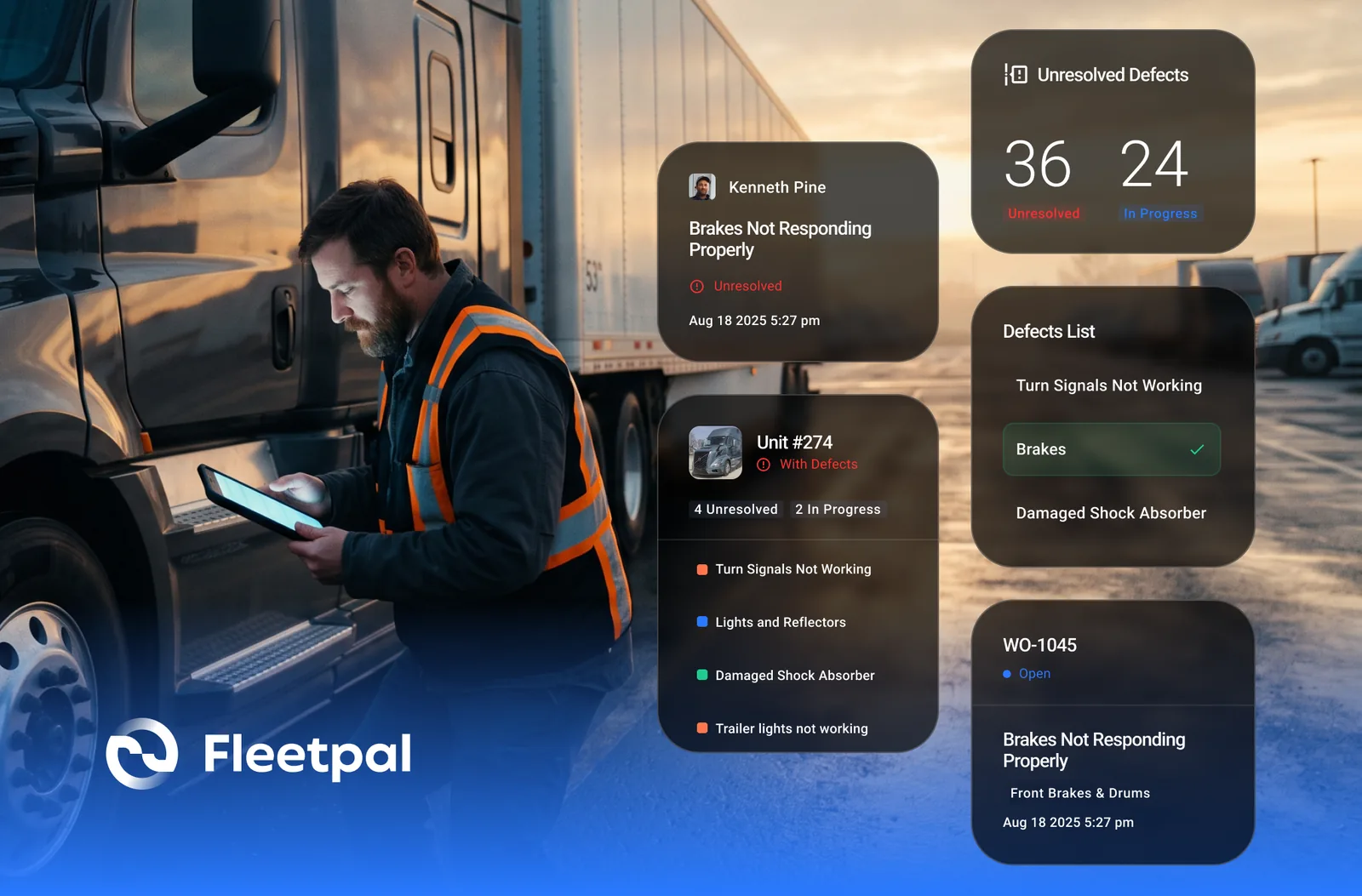
How Failed Inspection Items Become Work Orders (and Why Most Fleets Lose Them in Between)
Converting failed DVIR items into work orders: how the loop should run, where it breaks, and what to ask vendors who integrate inspections and work orders.
Read article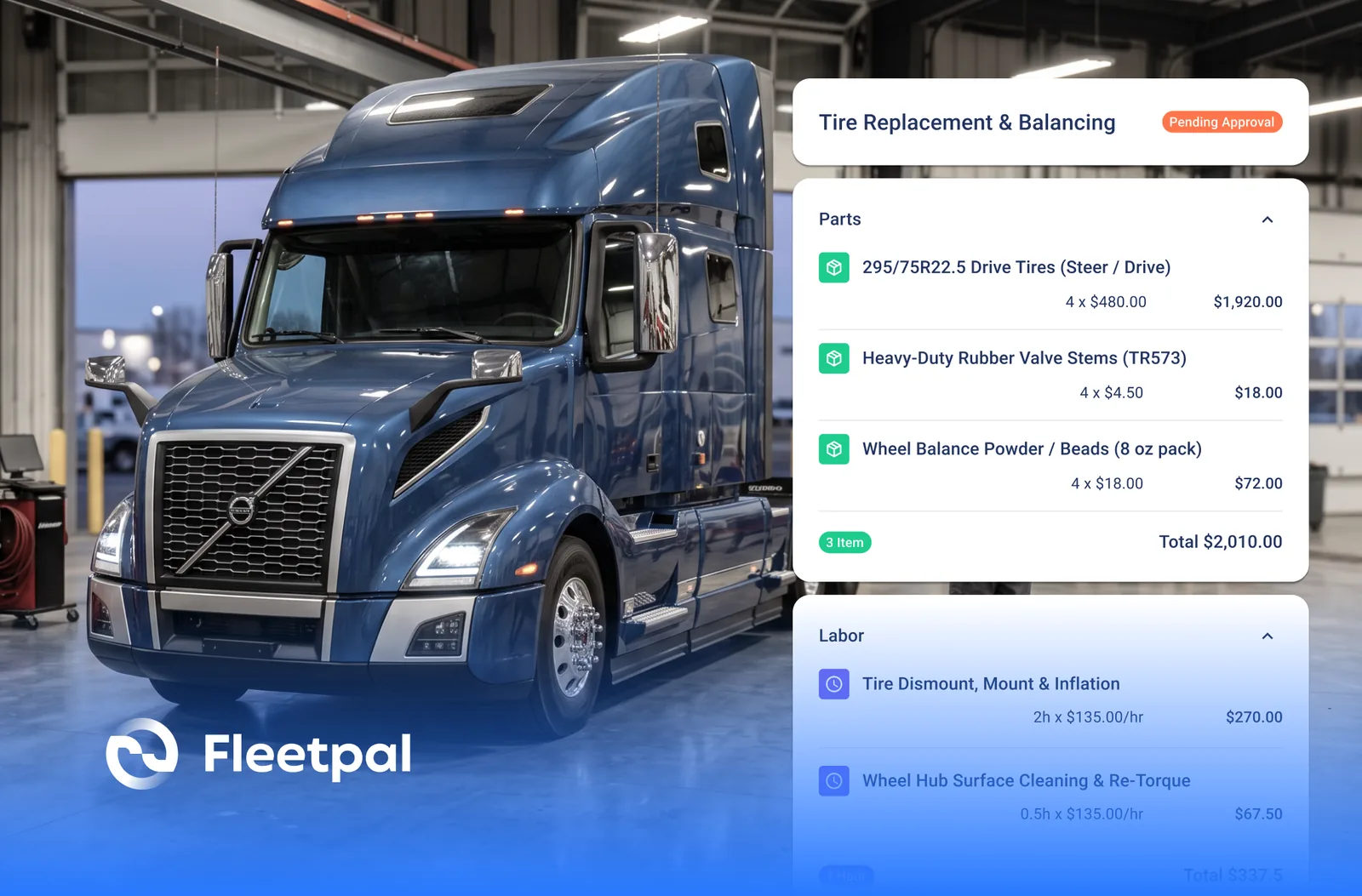
How to Spot an Inflated Repair Estimate Before You Approve It
Five red flags on a vendor repair estimate, how to baseline what a job should cost, and what to ask a vendor who claims to flag overpriced estimates.
Read article