How to Choose Fleet Maintenance Software for Heavy-Duty Fleets (Without a Best-Of List)
Most fleet maintenance software evaluations start in the wrong place: a ranked list somebody else wrote, a demo that goes suspiciously smoothly, and a feature grid where every vendor has every checkmark. Six months later the technicians are back on paper and the office is paying for a system nobody trusts.
The fleets that choose well do something different. They start from their own operation, write down how work actually moves through their shop, and then make every vendor prove the software can follow that path. This guide is the set of questions that makes that evaluation real, built for heavy-duty operations: trucks, trailers, and equipment, in-house shops, and the mixed fleets where most software falls apart first.
Why do so many fleet maintenance software purchases go wrong?
Because the evaluation tests the wrong thing. A demo tests whether the vendor knows their own software. A feature grid tests whether the marketing team read the competitors' websites. Neither tests whether the system can carry your shop's actual workflows: how a defect becomes a job, how a preventive maintenance task comes due, who is allowed to approve what, and where parts come from when a truck is on the lift.
When the evaluation skips those paths, the failure mode is predictable. The software gets configured once, drifts from reality within a quarter, and becomes a system of record for nothing. Technicians route around it. Managers export to spreadsheets. The data that was supposed to drive decisions never accumulates.
So before any demo, map four flows on one page: defect to repair, PM due to PM done, estimate to approval, and part to job. Every section below turns one of those flows, or the foundations under them, into questions a vendor has to answer specifically.
See where your fleet is losing money
Fleetpal brings inspections, work orders, and PM schedules into one system — so downtime stops catching you off guard. Book a 20-minute walkthrough.
Schedule a demoHow do I choose fleet maintenance software for construction?
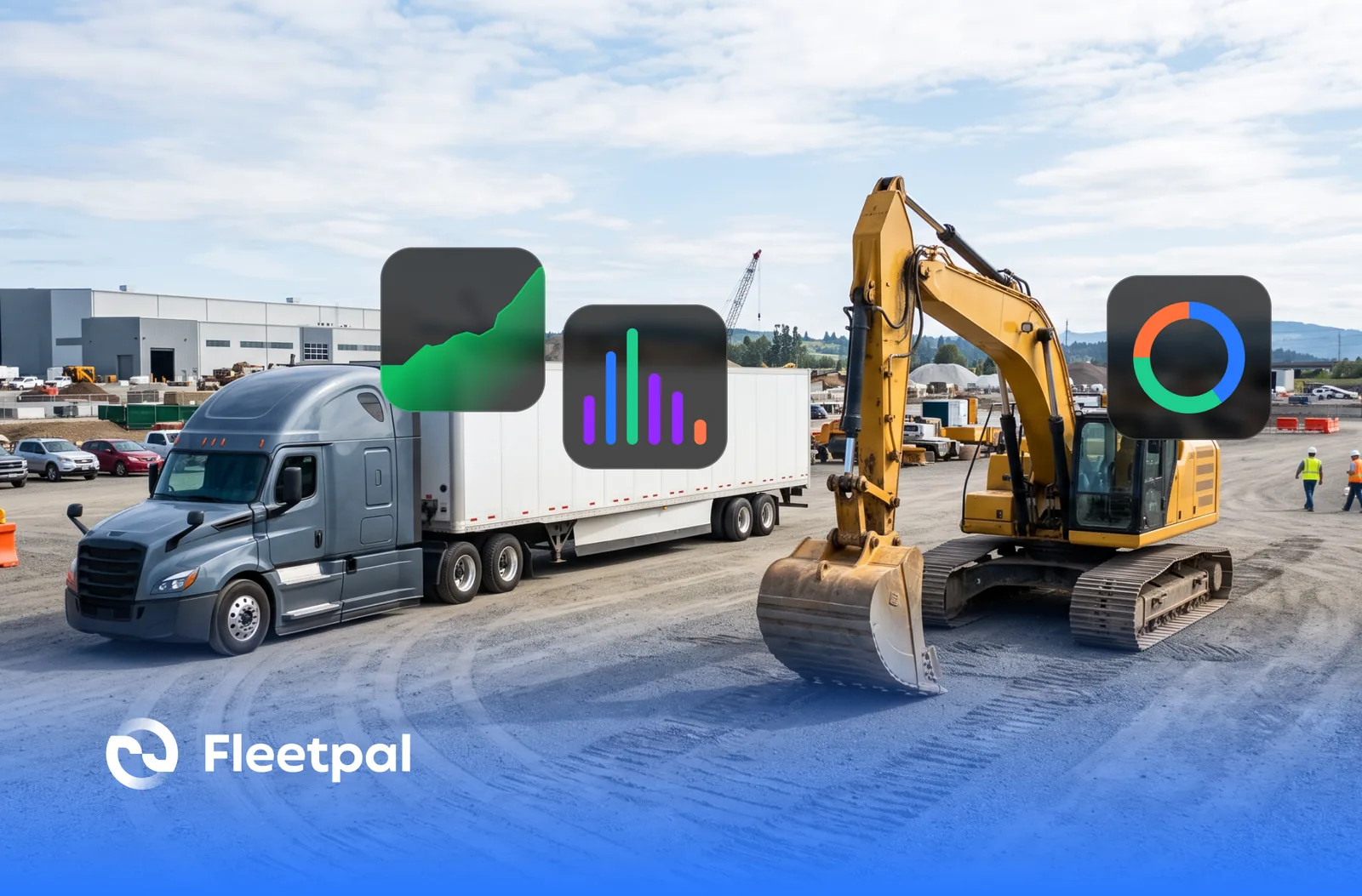
Construction fleets are the hardest evaluation case in the category, which makes them the best lens for it. A construction fleet is mixed by definition: on-road trucks that wear by the mile, trailers that live on inspection cycles, and yellow iron that wears by the engine hour. What is fleet maintenance software in construction? The same category of system every fleet uses, judged on one extra test: whether it treats equipment as a first-class asset with its own meters and its own service history, or as a truck with a strange name.
The best practices for picking fleet maintenance software in construction all come back to that test. Inventory your asset types before you look at a single vendor. Ask how each asset type is represented in the system. Ask which meter types exist and how readings stay current. Ask whether one work order model covers a dump truck, a lowboy, and an excavator, or whether equipment lives in a side module with half the features.
Fleetpal tracks trucks, trailers, and equipment in the same system, each with its own service history, and syncs both odometer readings and engine hours from supported telematics providers, so meter-based maintenance runs on real readings instead of whatever someone remembered to type in.
What breaks without this: hours live in a spreadsheet next to the system, equipment PMs slip because nothing was watching the meter, and the machines that cost the most to break get the least structured attention.
Ask the vendor: bring one truck, one trailer, and one machine from your own list, and ask to see all three set up with their own meters and history before the demo moves on.
Is there a single best fleet maintenance software?
No. And any evaluation that starts by asking which product is best has already handed the decision to whoever wrote the list.
A ranked list cannot know your fleet mix, your shop structure, your telematics stack, or whether your maintenance is done in-house, outsourced, or both. Those four facts eliminate more vendors than any star rating. A fleet running its own heavy-duty shop and a fleet outsourcing everything to vendors are not buying the same product, even when the two products share a name for the category.
What a category overview is genuinely good for is vocabulary: learning what the recurring capabilities are called so your questions land. For that, a guide to the best fleet maintenance software covers how the category breaks down. But the ranking that matters is the one your own requirements produce, and that ranking changes fleet to fleet.
Ask the vendor: ask each one who their software is not a fit for. A specific answer is one of the most reliable positive signals in the entire evaluation. A vendor who fits everyone fits no one.
Which fleet maintenance systems are worth considering for companies with strict regulatory needs?
Reframe the question, because it is not really a brand question. It is a criteria question: what does a system have to do so that your records survive scrutiny?
Three criteria carry most of the weight. First, inspection defects must be tracked from report to resolution, with the connection visible: this defect, this repair, this closure, one record. Second, service history must be retrievable per asset, quickly, without an export project. Third, access must be controlled, so history is not casually editable by whoever is logged in.
And one honesty check on the vendor: no software makes a fleet compliant. Software makes the records you rely on producible. A vendor who leads with a compliance badge instead of showing you the defect-to-repair trail is selling the word, not the workflow.
In Fleetpal, defects reported from inspections land in the unit's service needs inside the work order flow, and a technician adds the defect to a work order to create the job, so the defect, the repair, and the closure stay connected without anyone rebuilding the story later. The full workflow, including why defects should not become work orders automatically, is covered in how failed inspection items become work orders.
What breaks without this: defects get resolved verbally and recorded nowhere, and when a record is requested, the answer is a binder, a shrug, or a week of reconstruction.
Ask the vendor: pick one defect in the demo and ask to trace it from the report to the closed repair without leaving the system.
What should telematics integration actually cover?
"Integrates with your telematics" is the most stretched phrase in this category. At least four different data flows hide under it: meter readings, asset lists, inspection reports, and engine fault codes. Very few vendors support all four for every provider, and the honest ones will tell you exactly which flows exist for yours.
Buyers also ask what types of fleet maintenance vehicle software integrate telematics fault codes into work orders. The category-honest answer: fault-code visibility is real and useful, but a raw fault stream is noisy, and a person still has to decide which codes mean a job. Be suspicious of any pitch where fault codes create work orders by themselves; that is how a shop's queue fills with duplicates of the same intermittent sensor.
Here is Fleetpal's list, stated plainly, because this question deserves a plain answer. Odometer readings, engine hours, and asset lists including trailers and equipment sync from Samsara, Motive, Geotab, EROAD, and Coretex. Driver inspection reports flow both ways with Samsara, Motive, Geotab, and Coretex. Engine fault codes come in from Samsara and Coretex. That is the whole map.
What breaks without specificity: you sign believing everything flows, discover after go-live that your provider only syncs meters, and spend the first year re-keying the data you bought an integration to avoid.
Ask the vendor: name your telematics provider and ask for the specific data points that flow, in each direction. A vague answer is a no.
How should work orders tie the whole evaluation together?
The work order is the spine of a maintenance system. Every other module either feeds it or reads from it, which makes it the single best place to judge product depth. Four things to check: whether work orders carry statuses and priorities that match how your shop actually triages, whether photos and documents attach to the job, whether more than one technician can log labor on the same work order, and whether parts land on the job so the cost of a repair is the actual cost of that repair.
Fleetpal work orders carry statuses and priorities, photos and attachments, labor from multiple technicians, and the parts used on the job, so the record of the repair and the record of its cost are the same record. The deeper buyer's checklist for this module lives in the questions fleet buyers ask about work order software, and the parts side, including why counts drift and what linking parts to labor fixes, is in how fleets manage parts inventory.
What breaks without it: the work order becomes a glorified to-do list, labor from the second tech vanishes, parts leave the shelf with no job attached, and cost-per-repair becomes a guess wearing a decimal point.
Ask the vendor: one work order, two technicians, three parts. Ask to see the whole cost roll up on that single job. Then browse digital work orders against what you saw.
What does good preventive maintenance scheduling look like in a mixed fleet?
The trigger has to match the asset. Calendar intervals suit some assets, mileage suits trucks, and engine hours suit equipment and anything that idles hard. A system that only understands one trigger type forces the other assets into a schedule shaped like the wrong wear pattern.
The second half is visibility: what is due, what is overdue, and what got done. An overdue list nobody opens is a compliance risk with a login page. Evaluate the surface where PM status lives and how hard it is to act from that surface.
Fleetpal schedules preventive maintenance against the meters it syncs, including engine hours, so equipment PMs come due the way equipment actually wears. The broader operating discipline around PM programs is covered in preventive maintenance for fleet operations.
What breaks without it: high-utilization assets get calendar PMs that arrive too late, low-utilization assets get serviced for no reason, and the overdue list becomes background noise.
Ask the vendor: ask to see a PM triggered by engine hours, then ask to see the overdue list and exactly what it takes to close an item off it.
Who should be able to see, change, and approve maintenance data?
This is the evaluation criterion most fleets skip until after purchase, and it is the one that determines whether the data stays trustworthy. Three questions: who can open and edit work orders, who can approve repairs and spending, and who only needs to read. If approval authority is a sticky note on a monitor instead of a permission in the system, the software is not managing the workflow; it is decorating it.
In Fleetpal, a role builder decides which roles carry approval authority, and a read-only role opens every work order and approves none of them. Changes to a work order are recorded, so when the question is who approved the repair or who edited the record, the answer lives in the record instead of in somebody's memory. And because billing follows active units in the fleet rather than seats, adding read-only stakeholders costs you nothing, which is exactly backwards from how per-seat systems price the visibility you bought the software for. The access-control model is covered in the Fleetpal 3.0 release.
What breaks without it: everyone is an admin, approvals happen in text messages, and six months in nobody can say who authorized the repair that blew the budget.
Ask the vendor: ask what a read-only user sees when they open a work order, and what happens to your invoice when you add ten of them.
How do you evaluate cost without trusting vendor math?
Two costs, evaluated separately. The first is the subscription. Understand the pricing axis before anything else: per asset, per user, or per transaction, and what makes the number grow. A pricing model that charges for every work order taxes the exact behavior the system exists to encourage. A per-seat model taxes visibility. Ask for the axis, then model your own growth against it.
The second is the operation, and here the only honest baseline is your own history. What maintenance costs you today lives in your current work orders, vendor invoices, and estimates, not in a vendor's ROI deck. Round numbers with no source are marketing. If a vendor claims a percentage improvement, ask whose fleet, measured how, over what period, and watch what happens. The discipline of reading your own numbers against outside estimates is the same one covered in how to catch inflated repair estimates, and the framework for the value side is in fleet maintenance ROI.
Fleetpal's pricing follows active units in the fleet, with no per-work-order fees, and onboarding help exists as a service you can scope rather than a surprise you discover.
What breaks without this: the subscription looks cheap until the fleet grows, the ROI story looks great until someone asks for its source, and the budget conversation a year later starts with an apology.
Ask the vendor: ask what the price does when your fleet grows by fifty units and your office adds three read-only users.
What should you actually test in the demo?
Not the vendor's script. Your own workflows, with your own examples, in this order:
One truck, one trailer, one machine, each set up with its own meters and history. One defect traced from inspection report to closed repair. Your telematics provider's name, answered with specific data points and directions of flow. One work order carrying two technicians and three parts, with the cost rolled up. One PM due on engine hours and one overdue item closed off the list. One read-only user opening a work order. One vendor spend view that shows where the money went. And one pricing answer that survives your growth plan.
A vendor who handles that hour has earned the shortlist. A vendor who keeps steering back to the script has answered a different question, and answered it clearly.
When you are ready to run that hour against Fleetpal, book a demo and bring your messiest real example. That is the one worth testing.
The Fleetpal Team
Fleetpal builds maintenance and inspection software for commercial fleets. Our team works with fleet managers, technicians, and safety directors every day, turning shop-floor and roadside data into fewer breakdowns and lower cost per mile.
Ready to cut downtime and cost per mile?
Walk through a live setup with our team and see what your fleet's data has been trying to tell you.
Schedule a demoRelated articles
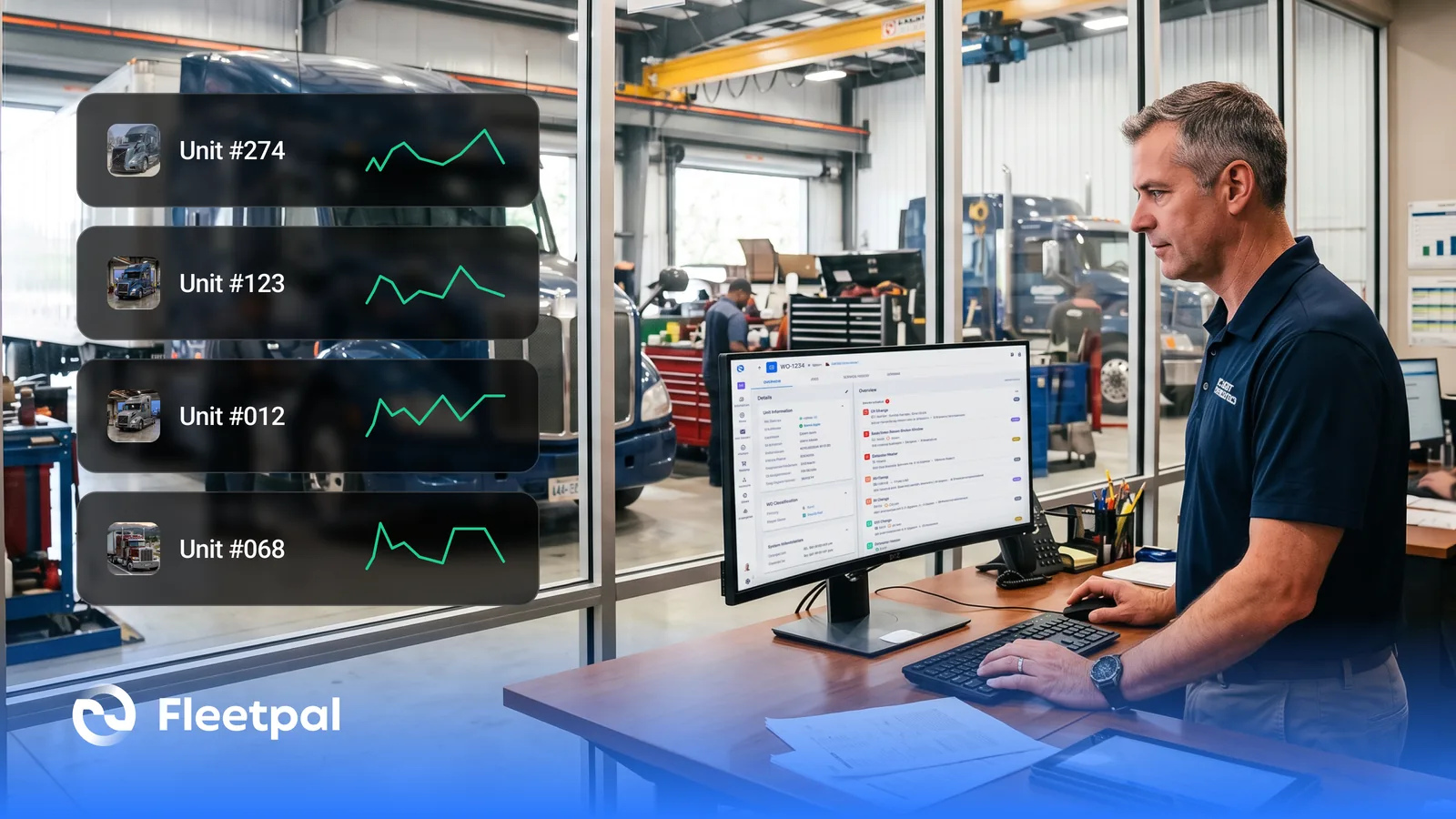
How Fleets Actually Use Maintenance Reports (and What Real-Time Fleet Insights Really Mean)
How fleets actually use maintenance reports, what real-time fleet insights really mean, and what to ask fleet reporting software vendors before you buy.
Read article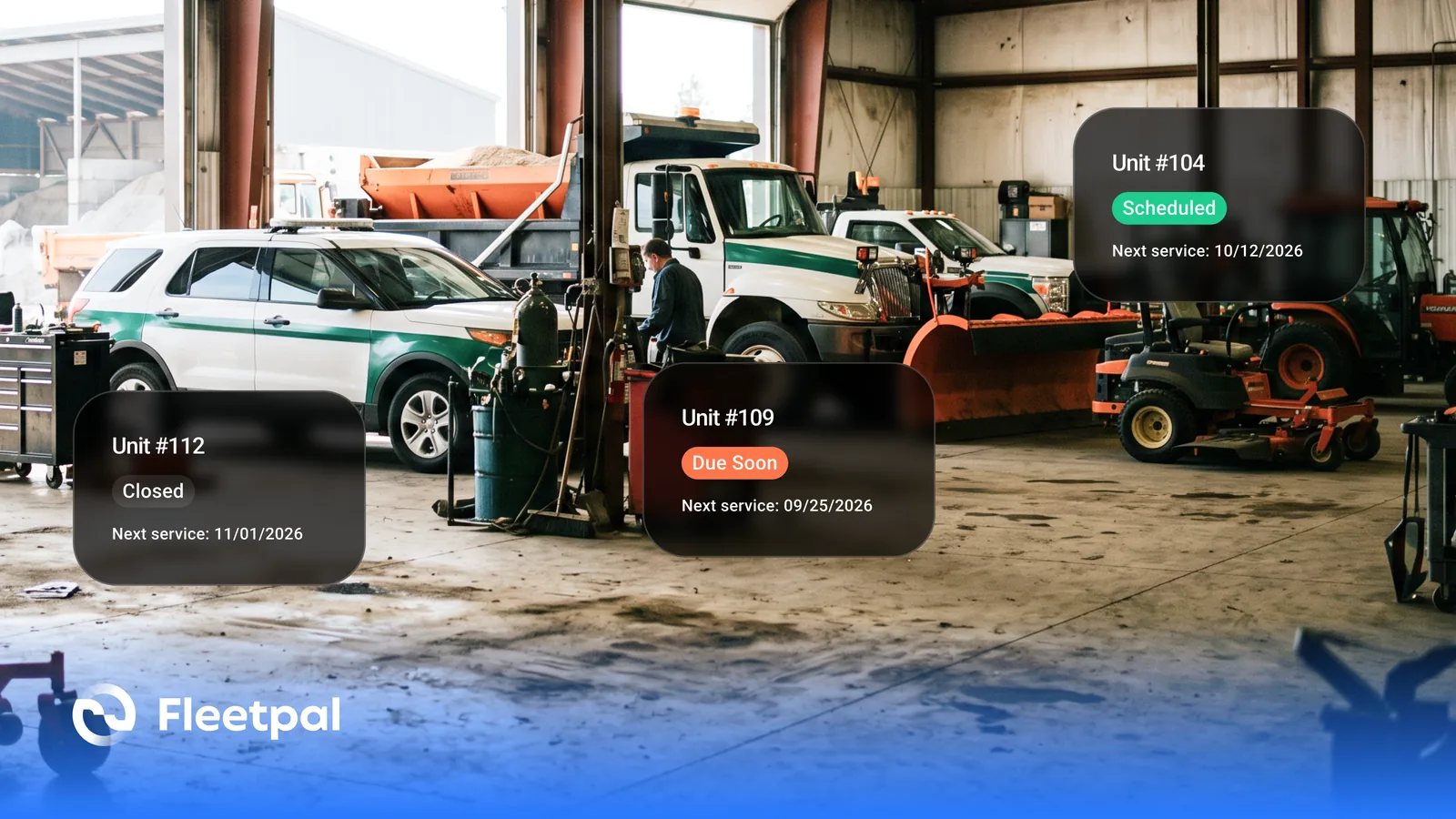
How Cities and Counties Actually Manage Fleet Maintenance (and What Software Has to Prove)
How city and county fleets manage maintenance across departments: PM on the right meter, approvals before spend, audit trails, and what to ask vendors.
Read article
How Fleets Actually Manage Parts Inventory (and Why the Count Never Matches the Shelf)
How fleet parts inventory management actually works: accurate counts, parts tied to work orders, cost per repair, and what to ask software vendors.
Read article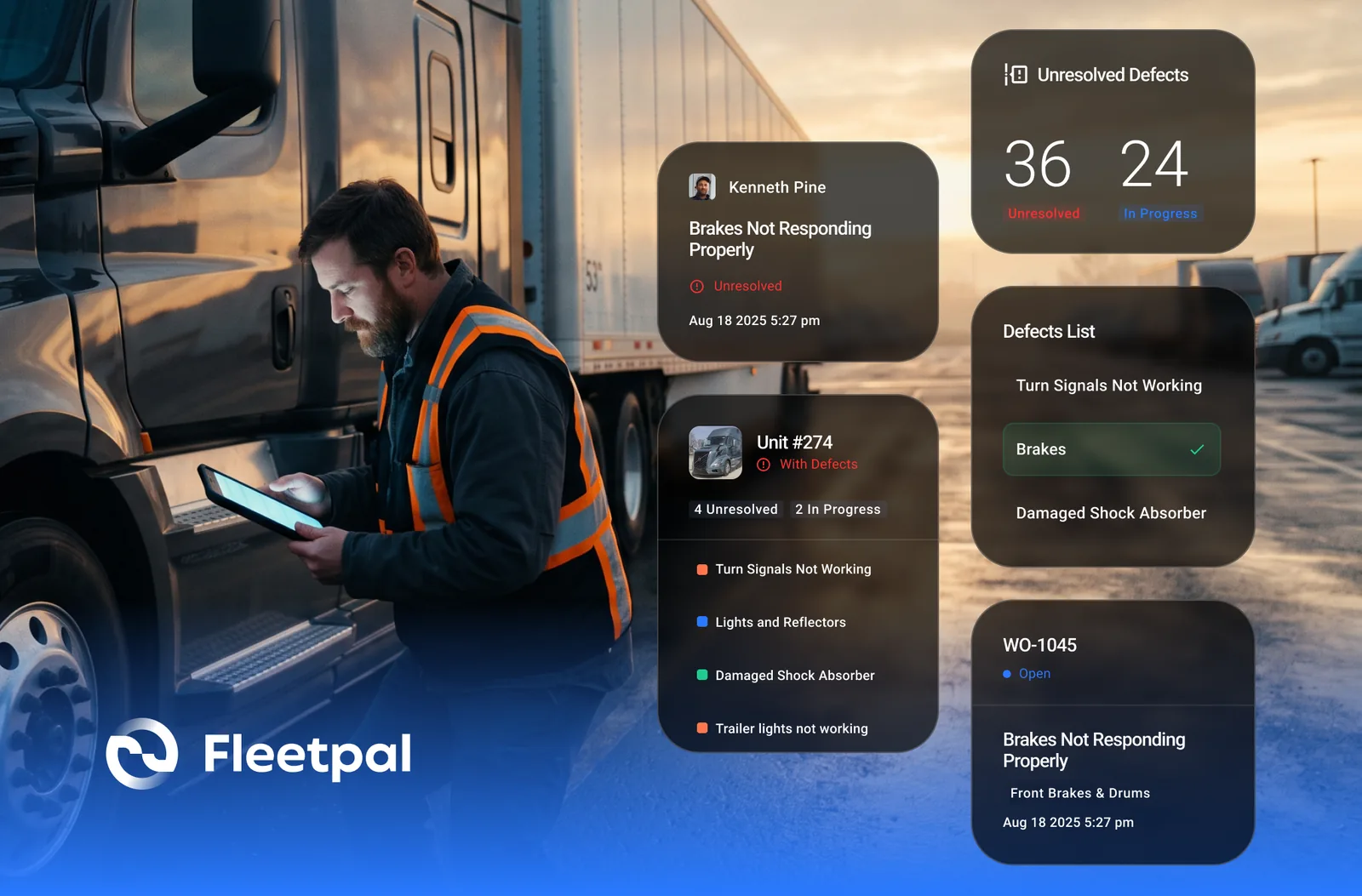
How Failed Inspection Items Become Work Orders (and Why Most Fleets Lose Them in Between)
Converting failed DVIR items into work orders: how the loop should run, where it breaks, and what to ask vendors who integrate inspections and work orders.
Read article
How to Spot an Inflated Repair Estimate Before You Approve It
Five red flags on a vendor repair estimate, how to baseline what a job should cost, and what to ask a vendor who claims to flag overpriced estimates.
Read article