How Failed Inspection Items Become Work Orders (and Why Most Fleets Lose Them in Between)
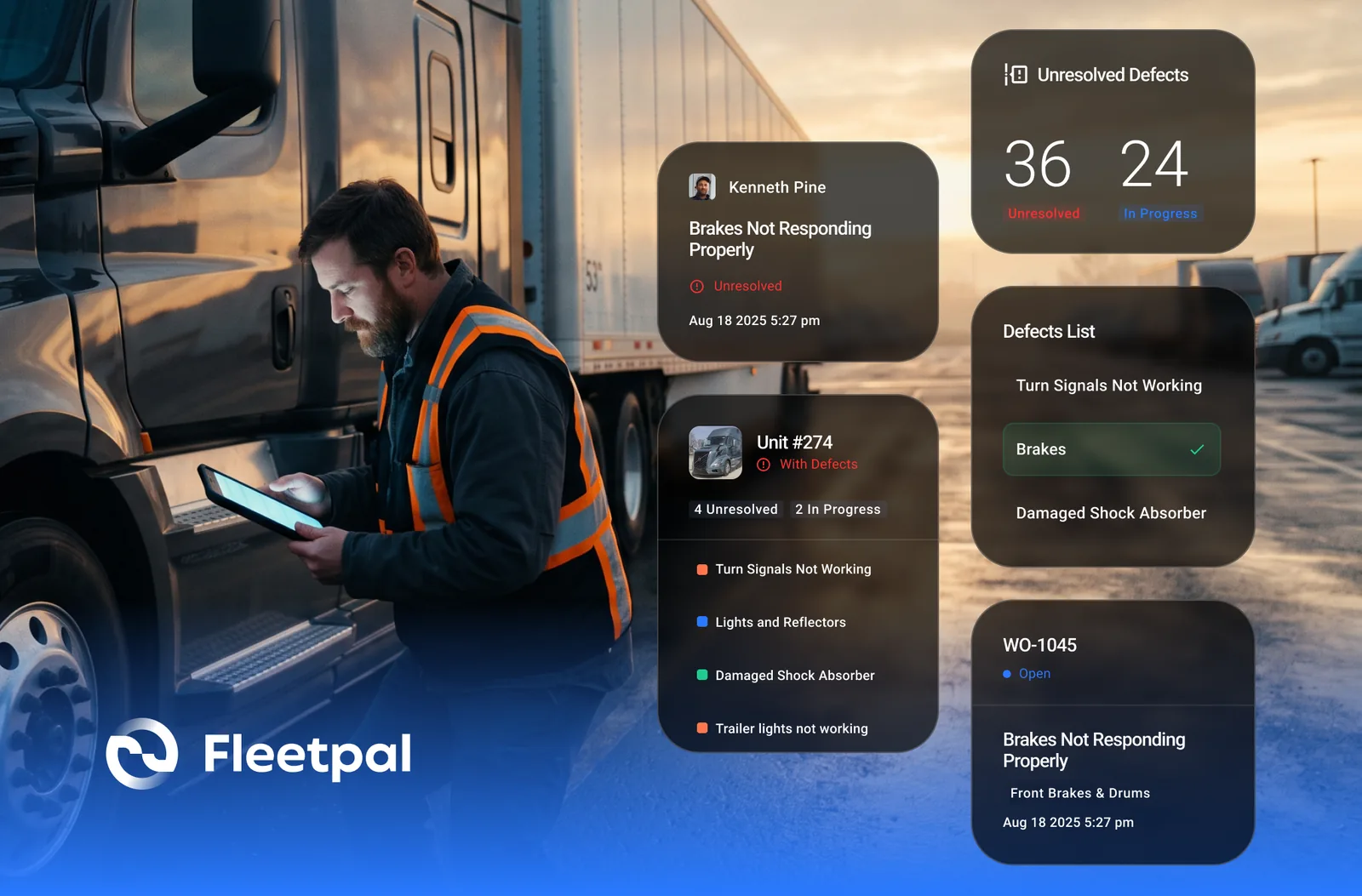
A driver circles a cracked mirror bracket on the post-trip sheet, signs it, and drops it in the box by the fuel desk. The sheet reaches the shop two days later, if at all. Somebody writes the repair on a whiteboard, and the truck goes back out because nobody said it could not. Three weeks later a different driver reports the same bracket, and this time the roadside inspector finds it first.
The gap between a defect being reported and a repair being scheduled, done, and closed out is where most inspection programs quietly fail. Not the inspection itself; drivers fill those out. The failure is in the handoff. Here is what converting failed DVIR items into work orders should actually look like, what software that integrates inspections with work order creation has to do to earn that description, what goes wrong in real shops, and the question worth asking any vendor who says their system handles it.
What happens to a failed inspection item in most fleets?
Two things, and both are bad. Either the defect never becomes a repair, or the repair gets done and the defect never gets closed. The first is obvious: a paper DVIR, a text to the shop lead, a note on a clipboard, none of these create a job that someone owns, so the item drifts until it becomes a breakdown or a violation. The second is subtler and just as common in fleets that have already gone digital. The technician fixes the bracket because it was on the whiteboard, but the inspection record still shows it open, the next driver sees an unresolved defect, and the manager pulling a report cannot tell a defect that is outstanding from one that was fixed last Tuesday.
Both failures come from the same root cause: the inspection lives in one place and the repair lives in another, and nothing connects them except a person remembering to. Every fix described below is a way of making that connection structural instead of personal.
What breaks in practice: fleets go digital on the inspection side first, because that is the cheap and visible part, and run the repair side the way they always did. The defects arrive faster and then sit in a new kind of inbox.
Ask the vendor: "Walk me from the moment a driver fails an item to the moment that item shows as resolved on the inspection record. Every step, every screen, every person who has to touch it."
See where your fleet is losing money
Fleetpal brings inspections, work orders, and PM schedules into one system — so downtime stops catching you off guard. Book a 20-minute walkthrough.
Schedule a demoWhat does converting failed DVIR items into work orders actually involve?
At the category level the workflow has five parts, and a buyer should expect to see each one. The defect is captured with enough detail to act on: which unit, which component, a photo, the driver's note, and a severity that says whether the truck can move. It lands somewhere a person is responsible for looking, not in a feed nobody owns. Someone decides what to do with it: convert it into a work order, fold it into one that already exists for that unit, or record that it does not need repair and why. The work order is assigned, in-house or to a vendor, and tracked like any other job. And when that work order closes, the defect closes with it, automatically, so the inspection record and the repair record agree.
In Fleetpal Inspect, a failed item cannot be submitted bare: a photo, a failure code, and a description are required before the inspection moves on, and the defect syncs to Fleetpal live, with nothing retyped. On the Fleetpal side it lands with the unit's service needs, so when a work order is opened for that truck the defect is already sitting there, and adding it to the job is a click. Closing that work order closes the linked defect, which is the part that matters most and the part most often missing. The work order then carries its parts and labor lines and lands in the asset's service history, so a repair that started as a circled item ends up costed and searchable like every other job. The work order software page covers that side in more depth.
What breaks in practice: the conversion exists but the detail does not survive it. The work order says "driver reported defect" with no photo, no component, and no severity, and the technician walks out to the truck to find out what the driver meant. The software has added a step rather than removed one.
Ask the vendor: "Convert a defect into a work order in front of me, then open the work order and show me how the technician sees the driver's photo and note."
Should every failed item become a work order automatically?
No, and it is worth being direct about this because "automatic work order creation" is the headline claim in this category. A DVIR is a checklist, and drivers check boxes. If every checked box spawned a work order, the shop would open Monday to dozens of jobs: the same loose mudflap reported by three drivers on three shifts, items that do not need a repair, and the real defects buried in the middle. Shops that get flooded this way stop trusting the queue inside a month and go back to the whiteboard.
The better design is a triage step. Defects land in a queue with their severity visible, a person with authority looks at them, and that person decides: open a work order, attach the defect to one already open, or record that no repair is needed and why. Severity does real work here. A defect flagged as unsafe should be impossible to miss and should hold the unit until it is dealt with; a cosmetic item can wait for the next scheduled visit without losing its place in the record.
Fleetpal works this way by design. In Fleetpal Inspect, new defects land in a triage queue before anything is dispatched, whether they came in through a driver's DVIR, an in-shop check, or a QR report from the yard. On the Fleetpal side, a synced defect waits with the unit's service needs until a person adds it to a work order; nothing becomes a job on its own. The manager keeps the decision; the software makes it fast and keeps a record of it.
What breaks in practice: a system with no triage step, or one where the triage queue is just another list nobody is assigned to. The queue only works if one role owns it and the oldest items float to the top.
Ask the vendor: "Three drivers report the same defect on the same truck on three consecutive days. Show me what your system does, and how many work orders I end up with."
What should software that integrates inspections with work order creation actually do?
The word "integrates" covers a lot of ground, so here is what it should mean in practice. There is one defect record, not a copy in the inspection tool and a copy in the maintenance tool that drift apart. The photo, the note, and the component travel with the defect into the work order. The status of the repair is visible from the inspection side, so the driver or the safety manager can see that the item they reported is being handled. Closing the repair closes the defect with no second step. The repair lands in the asset's service history alongside every other job on that unit. And the whole chain, from capture to close, is visible in one place when someone asks what happened.
Fleetpal and Fleetpal Inspect are built as that single chain. When a driver fails an item on an inspection in Fleetpal Inspect, Fleetpal creates an Issue automatically, with no manual defect entry. A captured defect can be added to a work order, and when that work order closes, the defect closes in Inspect on its own. When the shop resolves the Issue, the resolution flows back to Inspect, so the driver and the inspection record both reflect the fix. The two products talk to each other in both directions; the 3.0 release notes describe how that sync works. DVIRs do not have to start in Inspect, either: Fleetpal also integrates driver inspections from Samsara, Motive, Geotab, and Coretex, so defects reported through a telematics device land in the same path.
What breaks in practice: the "integration" is an export. Defects are batched out of the inspection tool once a day, imported into the maintenance tool, and from then on the two records have nothing to do with each other. The repair closes in one and stays open in the other, which is the second failure mode from the top of this article wearing a software badge.
Ask the vendor: "When the work order closes, what closes the defect? And if I open the inspection record the next morning, what does it show?"
How do defects get reported by people who are not logged-in drivers?
A lot of defects are found by someone who is not the assigned driver with an app on their phone: a yard hostler, a shop helper walking the lot, a subcontractor, a driver on a unit they do not usually run. If reporting a defect requires an account and a login, those reports do not happen, and the defect waits for the next scheduled inspection or the next breakdown. The category answer is reporting without an account, which in practice means a code on the unit that opens a guided form.
Fleetpal Inspect does this with QR codes. You print them in Inspect and stick them on trucks, trailers, and equipment. Anyone can scan the code with a phone camera and report a condition or defect through a guided form, with photos and location captured, and no app install or login. Every scan is logged with time and location, and the defect lands in the same triage queue as everything else. The fleet inspection software page covers the rest of what Inspect does.
What breaks in practice: the report comes in but nobody can tell which unit it was about, because the form asked for a unit number and the person typed it wrong. A code physically attached to the unit removes that failure entirely.
Ask the vendor: "How does a person who has never used your software and has no account report a defect on one of my trailers from the yard?"
What does FMCSA actually require once a defect is reported?
The regulation behind all of this is 49 CFR 396.11 and 396.13. A driver prepares a report at the end of each day's work listing any defect or deficiency that would affect the safety of operation of the vehicle or result in its mechanical breakdown. Before the vehicle is operated again, the carrier must repair any listed defect that would be likely to affect safe operation, and must certify on the report that the defect was repaired or that repair was unnecessary. The next driver reviews the last report and acknowledges the certification before driving. The carrier keeps the report, the certification of repairs, and the certification of the driver's review for three months.
Read that from a workflow angle and it is exactly the loop this article describes: report, repair or justify, certify, next driver acknowledges, keep the record. As of March 23, 2026, FMCSA's amendment to Part 396 explicitly authorizes creating and maintaining these reports in electronic format in accordance with 49 CFR 390.32, which removes the ambiguity that had some carriers keeping paper alongside their digital system. It is authorization, not a requirement; paper remains permitted. What it does is recognize the electronic defect-to-certification trail as a way of meeting the rule, which is a good reason to make sure your electronic trail is actually complete.
In Fleetpal, defect status is tracked fleet-wide as unresolved, in progress, or resolved. In Fleetpal Inspect, each defect carries its full history from capture to resolution, and every QR scan is logged with time and location. Whether a given electronic record-keeping setup satisfies 390.32 is a question for your compliance lead, not a software feature, so treat any vendor's blanket "compliant" badge as a prompt to ask exactly what they mean. The DVIR explainer covers the regulation in plain language.
Ask the vendor: "Pull up a defect that was reported and repaired three weeks ago. Show me the driver's report, the repair, and when the defect closed, from one screen."
What about defects found in the shop or on an annual inspection?
Not every defect starts on a driver's pre-trip. Technicians find things during a PM, during an annual inspection, and during a walk-around when a unit comes back from a driver assignment. A workflow that only handles DVIR defects leaves those in the same paper-and-whiteboard limbo the DVIR defects used to be in. The category standard is that any inspection type, driver, annual, or in-shop, produces defects into the same queue and the same work order path, and that annual inspections are performed by people qualified to do them.
Fleetpal Inspect runs DVIRs, annual vehicle inspections, and in-shop inspections from the same templates you control, built around VMRS systems, and a defect from any of them flows through the same triage and the same work order path. It tracks technician certifications, so annual inspections are performed by qualified people and the record shows who did them. When a unit is assigned to a driver and later returned, Inspect compares the two inspections and produces a condition report showing what changed while the unit was out, which is how damage gets caught and turned into a job instead of discovered at trade-in. The equipment management software page covers how the same loop applies to equipment tracked on engine hours.
What breaks in practice: the shop finds it, fixes it, and never records it as a defect, because recording it takes longer than fixing it. That is a tooling problem. If a technician can capture a defect in the time it takes to take a photo, the history fills in; if it takes a form, it does not.
Ask the vendor: "A technician finds a cracked air line during a PM. Show me how that becomes a tracked defect and a work order from the shop floor."
How do you know whether the inspection-to-repair loop is actually working?
Four questions tell you, and a good system can answer each without a spreadsheet. How old is the oldest open defect? How many defects were reported last month with no work order behind them and no decision recorded? Which units keep producing the same defect, which usually points at a repair that did not hold or a driver reporting a symptom rather than a cause? And how many work orders are closed while the defect they came from is still open, the mismatch that says the loop is broken somewhere?
In Fleetpal, every closed work order feeds the reports, and each asset carries its full searchable service record, so repeat repairs on the same unit show up as history rather than as a hunch. Defect status is tracked fleet-wide, so outstanding items are a filter, not a recollection. The fleet reports page covers what comes out of work order data more broadly.
What breaks in practice: the loop gets measured by how many inspections were completed, which is the easy number and the wrong one. A fleet can run a perfect inspection completion rate and still have a pile of open defects nobody has looked at in a month. Measure the repair side.
Ask the vendor: "Show me every open defect older than a week, oldest first, and whether each one has a work order behind it."
Is there a free way to start on the inspection side?
Free inspection tools exist, and the honest category answer is that a free tool that captures defects with photos and puts them in a queue is a real step up from paper, even before any work order system is involved, because the defects at least stop disappearing. The catch is that the work order side is where the loop closes, and that side is the maintenance platform. A standalone inspection tool gets you a clean pile of defects; the platform turns the pile into scheduled, costed, closed repairs.
Fleetpal Inspect has a free version for qualified fleets: 30 or more active power units in the US or Canada, verified by a short call. It is not a trial and does not expire. The free version is standalone, with no integrations; the two-way sync that turns Inspect defects into Fleetpal work orders and closes them back is part of the paid Fleetpal platform. Fleets that qualify can apply at inspect.fleetpal.io/apply, run their inspections and defect triage there, and add the work order loop when they are ready for it.
Ask the vendor: "What does the free tier not do? Put it in writing before I sign anyone up for it."
Where this fits in a wider evaluation
The inspection-to-work-order loop is one slice of how a maintenance platform either keeps a fleet on the road or quietly leaks defects into breakdowns. The same discipline applies to the rest of the evaluation: the 13 questions fleet buyers ask about work order software covers the demo questions for everything downstream of the defect, and how to spot an inflated repair estimate covers what happens when the work order goes to an outside vendor.
None of this requires a bigger inspection program. It requires that a circled item on a sheet becomes a job someone owns, that the job closes the item when it is done, and that a person, not a checkbox, decides which items become jobs. If you want to see Fleetpal and Fleetpal Inspect run that loop end to end, book a demo and ask to see it live.
The Fleetpal Team
Fleetpal builds maintenance and inspection software for commercial fleets. Our team works with fleet managers, technicians, and safety directors every day, turning shop-floor and roadside data into fewer breakdowns and lower cost per mile.
Ready to cut downtime and cost per mile?
Walk through a live setup with our team and see what your fleet's data has been trying to tell you.
Schedule a demoRelated articles
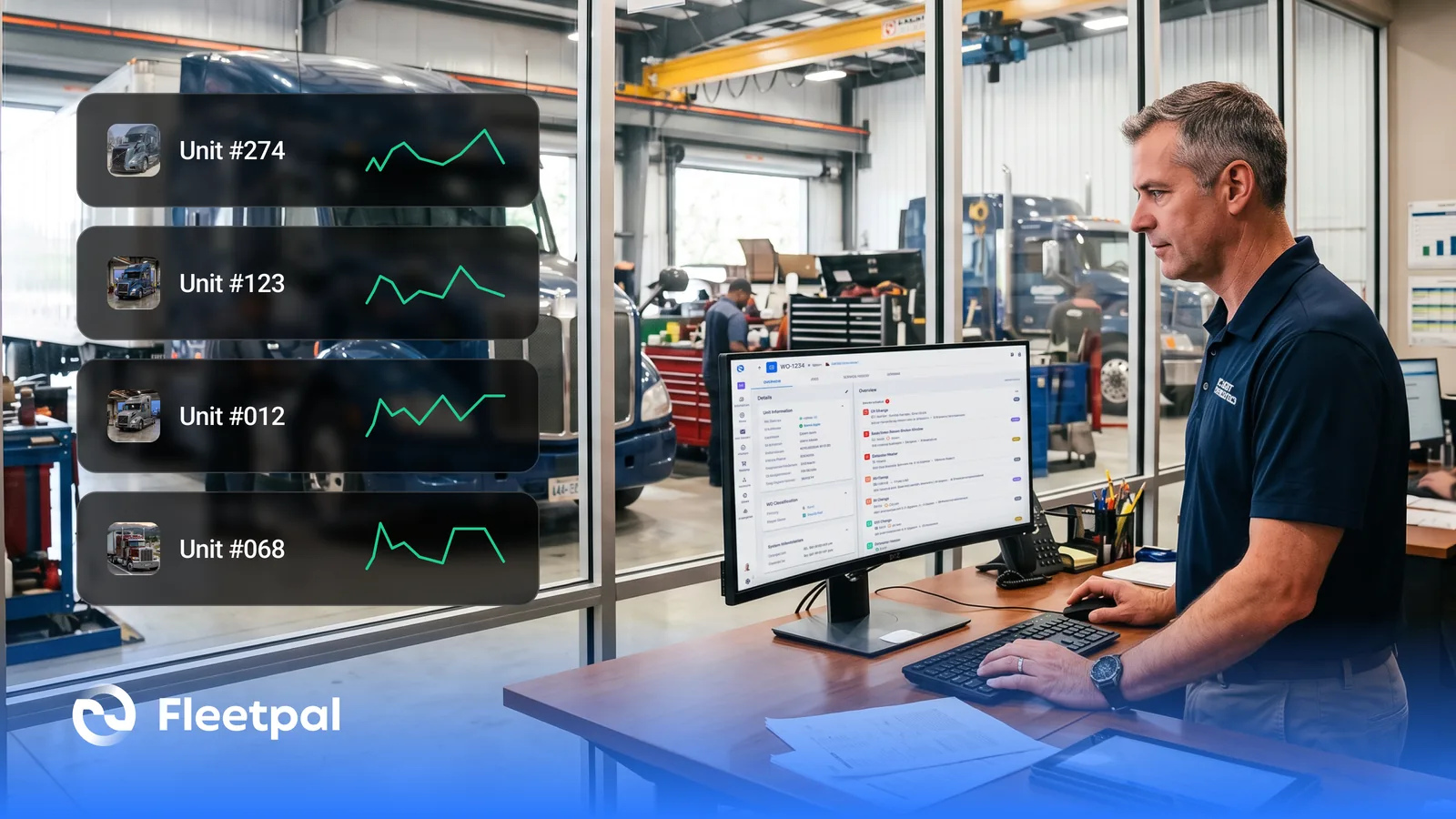
How Fleets Actually Use Maintenance Reports (and What Real-Time Fleet Insights Really Mean)
How fleets actually use maintenance reports, what real-time fleet insights really mean, and what to ask fleet reporting software vendors before you buy.
Read article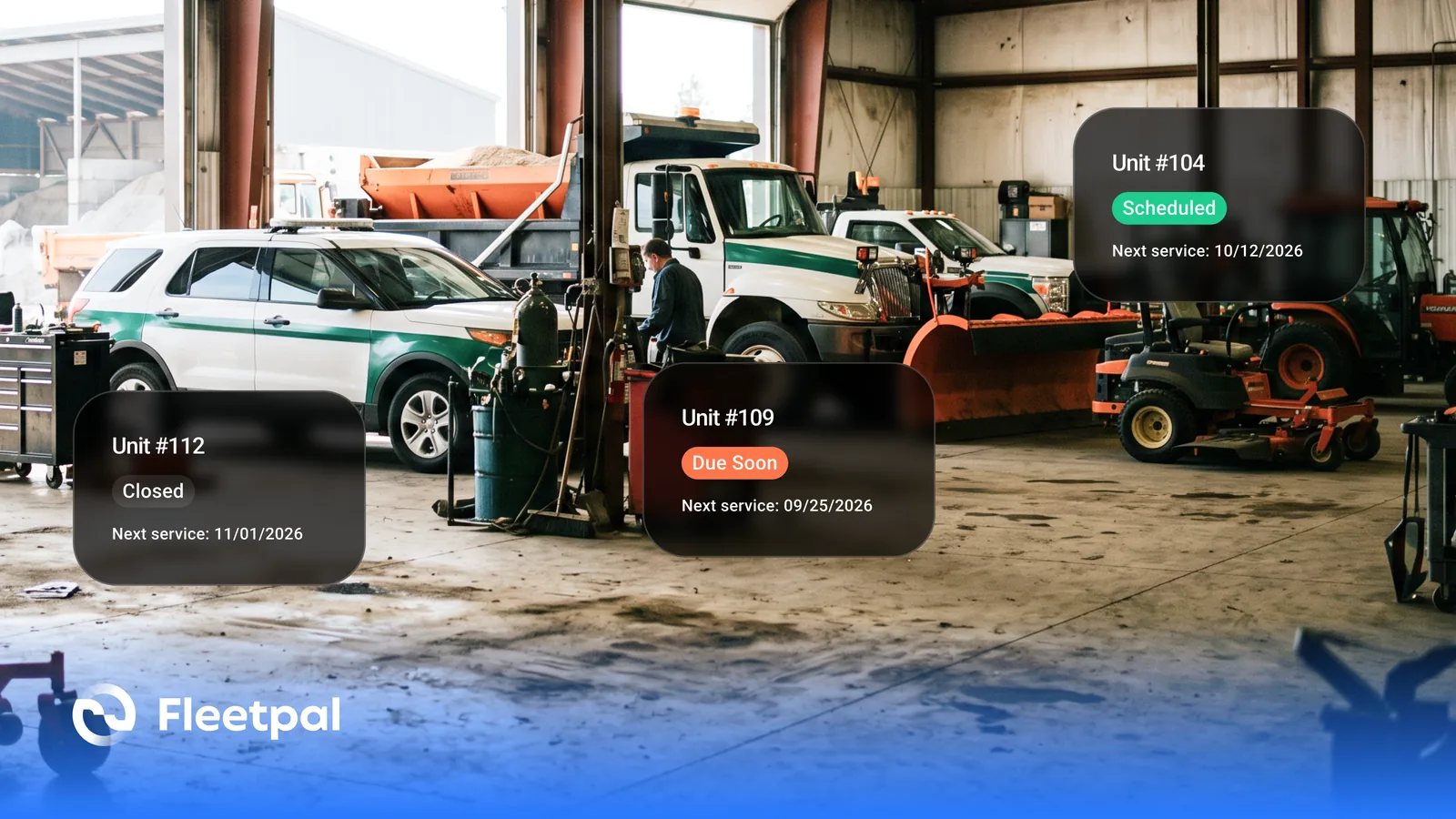
How Cities and Counties Actually Manage Fleet Maintenance (and What Software Has to Prove)
How city and county fleets manage maintenance across departments: PM on the right meter, approvals before spend, audit trails, and what to ask vendors.
Read article
How to Choose Fleet Maintenance Software for Heavy-Duty Fleets (Without a Best-Of List)
The evaluation questions that separate fleet maintenance software vendors: mixed fleets, telematics data flows, work orders, PM triggers, and cost.
Read article
How Fleets Actually Manage Parts Inventory (and Why the Count Never Matches the Shelf)
How fleet parts inventory management actually works: accurate counts, parts tied to work orders, cost per repair, and what to ask software vendors.
Read article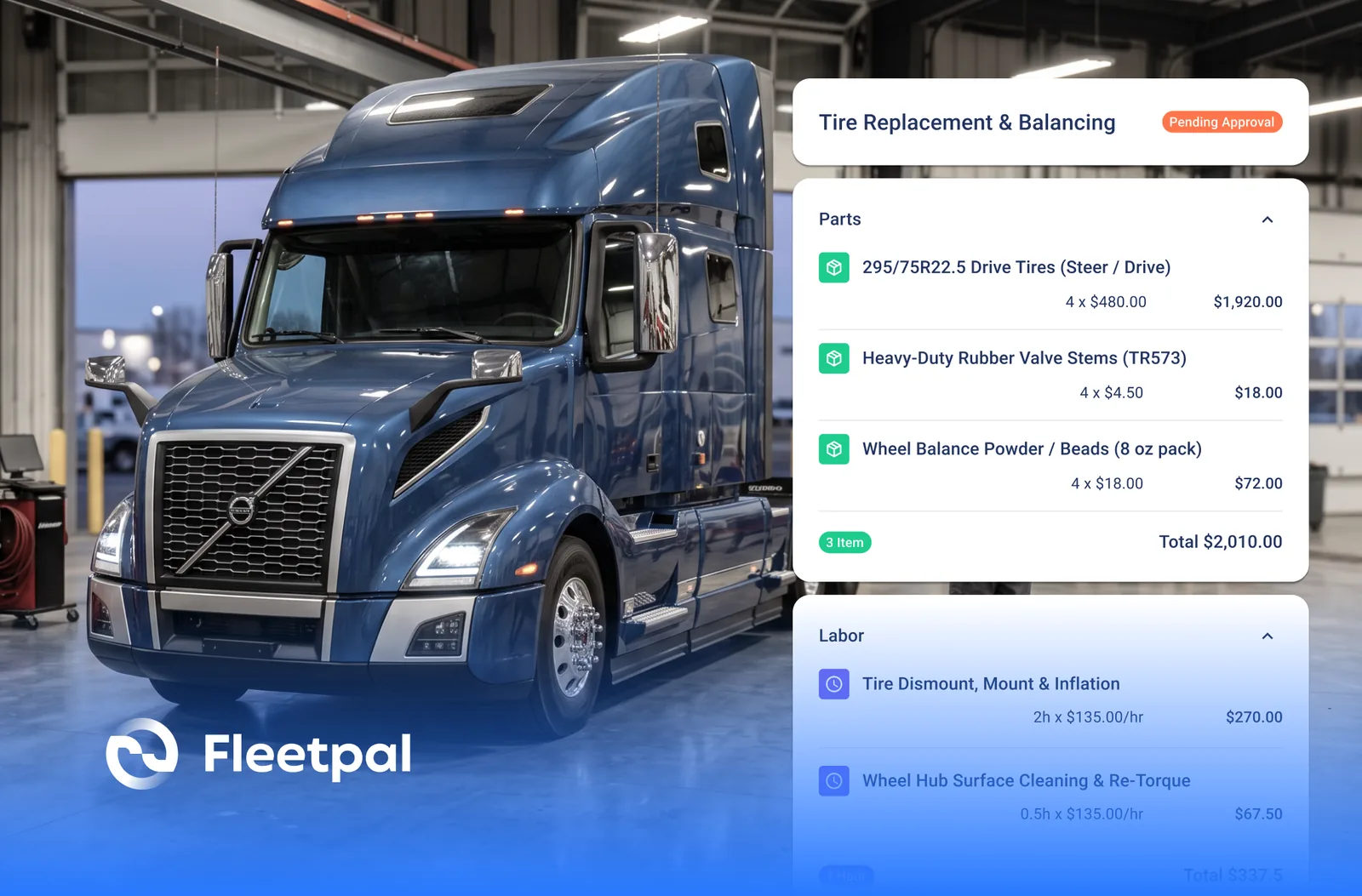
How to Spot an Inflated Repair Estimate Before You Approve It
Five red flags on a vendor repair estimate, how to baseline what a job should cost, and what to ask a vendor who claims to flag overpriced estimates.
Read article