Manage Your Existing Fleet Units
Search for fleet units
Above the unit list, you’ll notice a search box, where you can input different types of data used within a unit's specifications to find it quickly and easily in the list. For example, you can type in the unit name, unit number, model year, VIN, the model, and others. You can use only the first letter, several letters, or the whole word or number. As a result, the tool will display only units that match the input data in the list.Sort fleet units
Next to the search box, there’s a Sort By button. You can use it to sort your units according to different factors, like Created On, Unit Number, Name, License place, and others in a descending or ascending order. This will help you quickly find units of particular interest at any given point.See where your fleet is losing money
Fleetpal brings inspections, work orders, and PM schedules into one system — so downtime stops catching you off guard. Book a 20-minute walkthrough.
Schedule a demoUse filters
You can apply filters to your unit list by clicking on the Filters button. You will be presented with two drop-down menus - one for choosing a column or label to filter by and another dedicated to value.Manage columns
On the left-hand side of the list, positioned under all units, you can find a Manage Columns button, which enables you to customize the outlook of your list. You can exclude certain columns that are not valuable to you and personalize the list to meet your needs and expectations best.Edit fleet units
Every unit can be edited by clicking on the pencil icon, which is positioned on the right-hand side of the list, under the column Actions. You will be redirected to a page where you can access all of the information on a specific unit by clicking on this icon. You can make any necessary changes, save, and exit the screen.Archive fleet units
In cases where units are no longer relevant to your fleet and are entirely out of use, you can archive them. We have enabled archiving instead of deleting as we firmly believe that the more data you have at your disposal, the better analysis you can perform. Deleting a unit will prevent you from accessing historical information, which may be valuable. For example, let’s say you’re considering purchasing a truck similar to another one you had a year ago but no longer use. If you’ve deleted it, you won’t be able to see information on how much maintenance costs it has generated, how well it has performed, and more. On the other hand, archiving it will allow you to see this information while not burdening your unit list with inactive units.The Fleetpal Team
Fleetpal builds maintenance and inspection software for commercial fleets. Our team works with fleet managers, technicians, and safety directors every day, turning shop-floor and roadside data into fewer breakdowns and lower cost per mile.
Ready to cut downtime and cost per mile?
Walk through a live setup with our team and see what your fleet's data has been trying to tell you.
Schedule a demoRelated articles
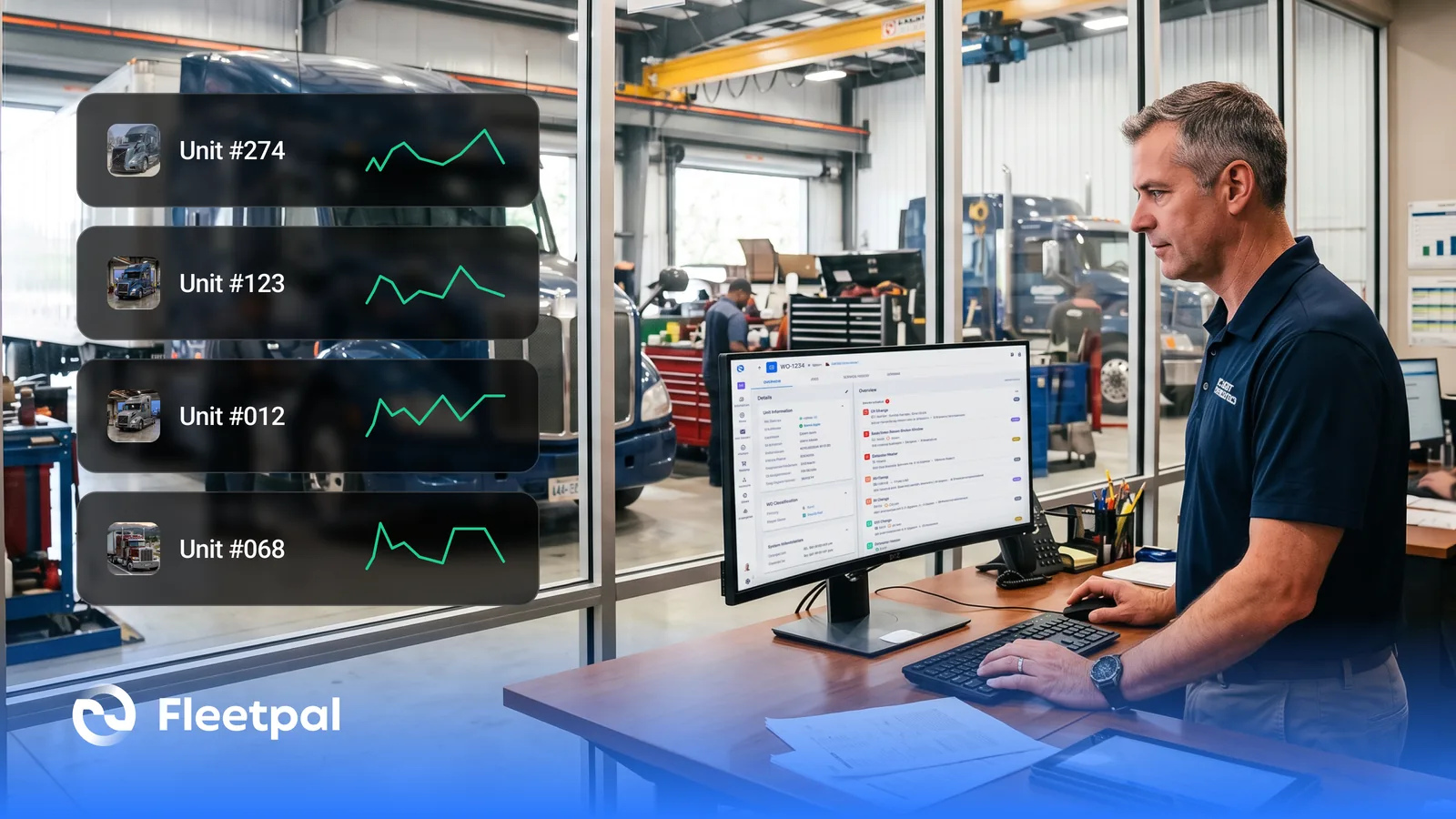
How Fleets Actually Use Maintenance Reports (and What Real-Time Fleet Insights Really Mean)
How fleets actually use maintenance reports, what real-time fleet insights really mean, and what to ask fleet reporting software vendors before you buy.
Read article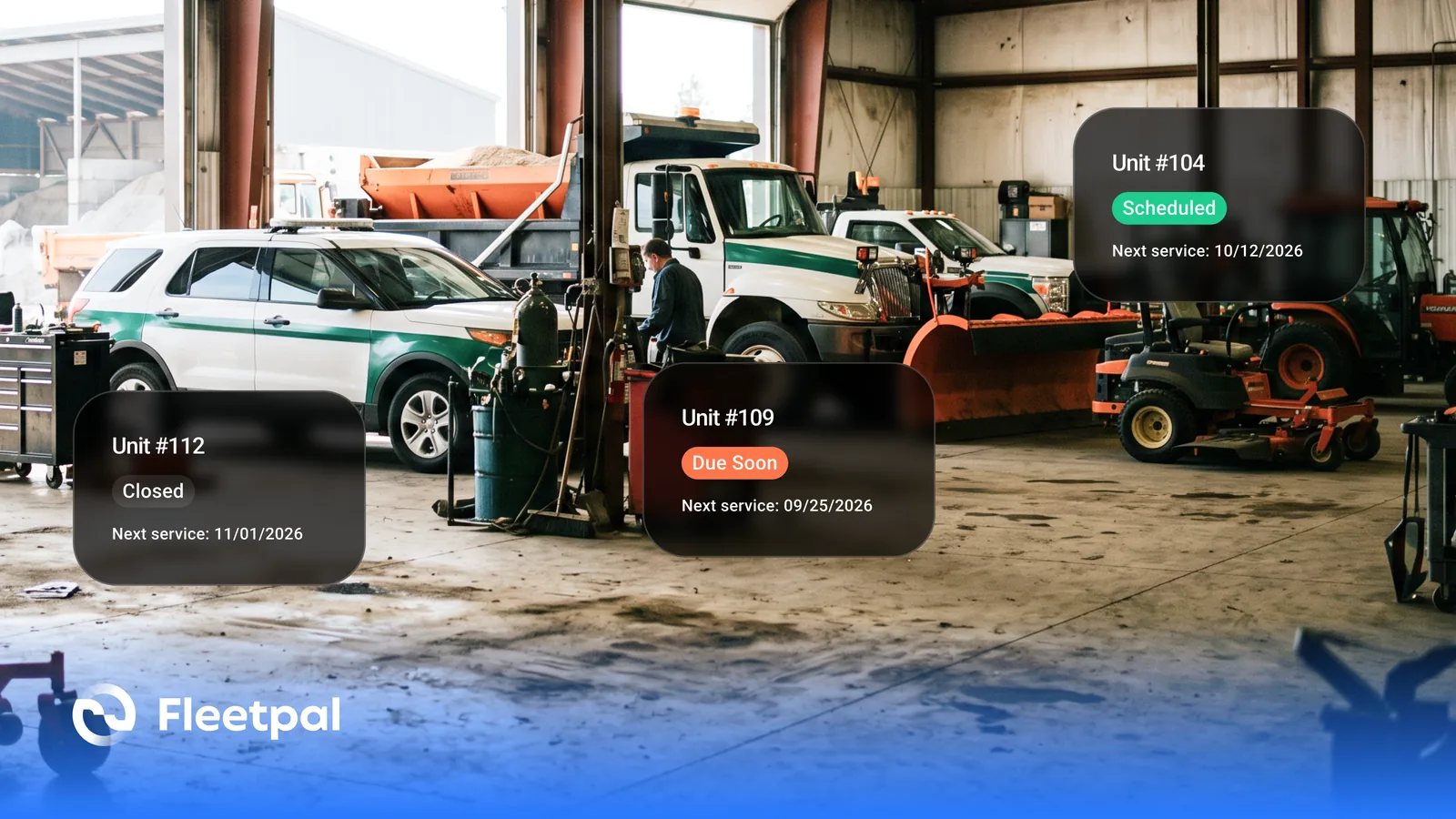
How Cities and Counties Actually Manage Fleet Maintenance (and What Software Has to Prove)
How city and county fleets manage maintenance across departments: PM on the right meter, approvals before spend, audit trails, and what to ask vendors.
Read article
How to Choose Fleet Maintenance Software for Heavy-Duty Fleets (Without a Best-Of List)
The evaluation questions that separate fleet maintenance software vendors: mixed fleets, telematics data flows, work orders, PM triggers, and cost.
Read article
How Fleets Actually Manage Parts Inventory (and Why the Count Never Matches the Shelf)
How fleet parts inventory management actually works: accurate counts, parts tied to work orders, cost per repair, and what to ask software vendors.
Read article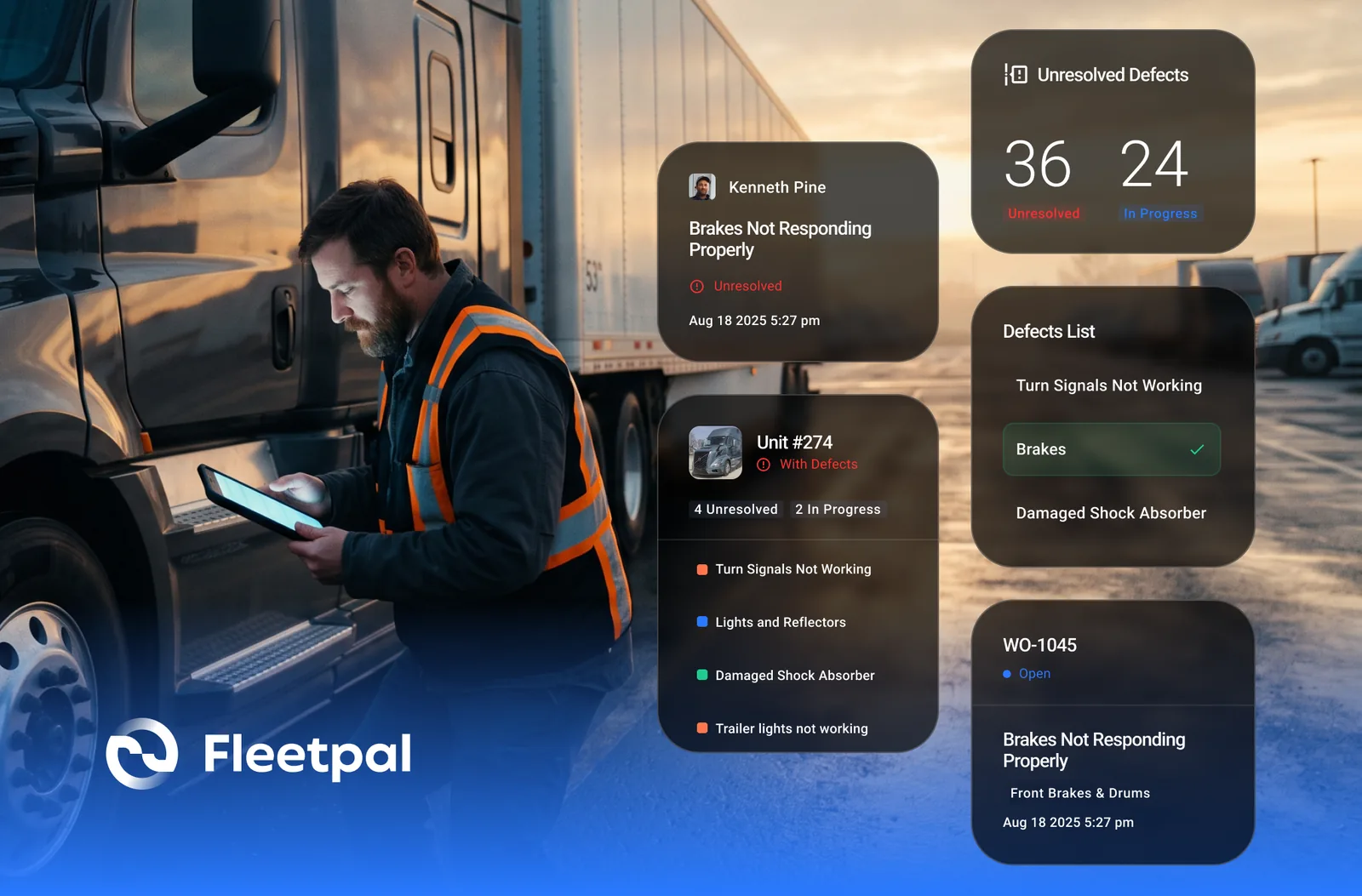
How Failed Inspection Items Become Work Orders (and Why Most Fleets Lose Them in Between)
Converting failed DVIR items into work orders: how the loop should run, where it breaks, and what to ask vendors who integrate inspections and work orders.
Read article