13 Questions Fleet Buyers Ask About Work Order Software (and What to Ask Vendors Back)
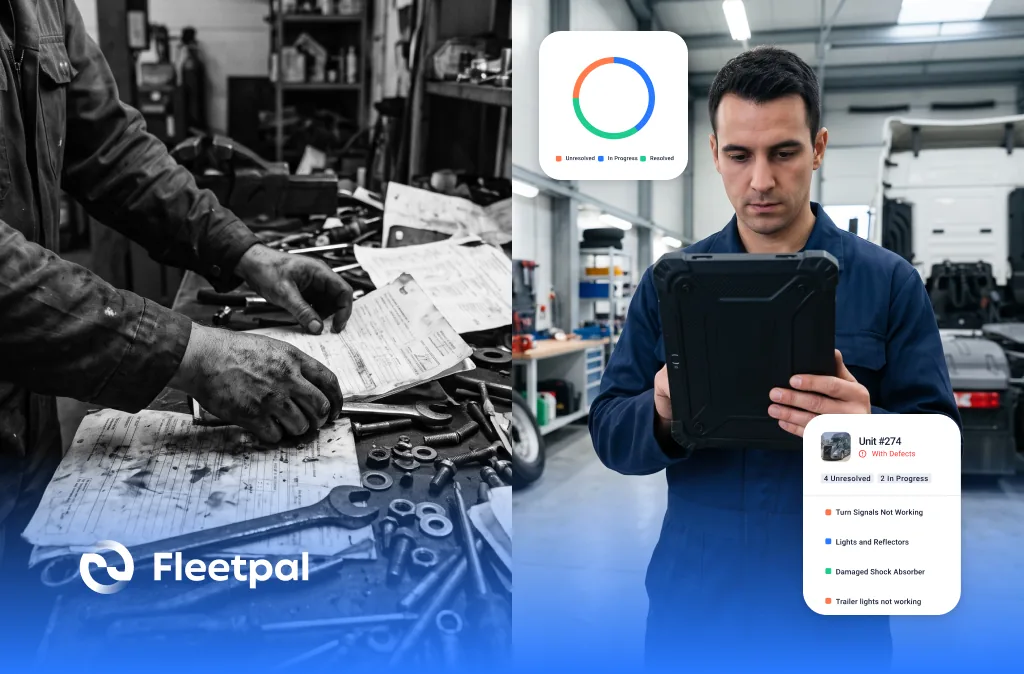
Every work order platform looks impressive in a polished demo. The database is clean, every workflow behaves, every repair closes on time. Real shops are different. Technicians close jobs with greasy hands at the end of a 14-hour day, parts arrive late, trucks break down after hours, and managers need answers now. The difference between good and great fleet maintenance software is how it holds up when the day stops going to plan. Here are the thirteen questions buyers ask when evaluating work order software, with a straight answer to each, what goes wrong in real shops, and the follow-up worth asking in the demo.
1. What does work order management software actually do for a fleet?
It creates, assigns, tracks, and closes every repair and maintenance job in one system, with each work order carrying the asset, the complaint, the tasks, the parts, the labor, and the cost.
But the software is not really the product. The history is. Cost per asset and repair-or-replace decisions depend on complete records, and records are only complete if technicians use the system on every job. A system your techs work around produces a history full of holes, and every report built on it inherits them. A deeper breakdown lives on our work order management page.
Ask the vendor: how many clicks does it take a technician to open, complete, and close a job? Count them in the demo.
See where your fleet is losing money
Fleetpal brings inspections, work orders, and PM schedules into one system — so downtime stops catching you off guard. Book a 20-minute walkthrough.
Schedule a demo2. How do work orders get created?
The three most common triggers are manual entry by a manager or technician, automatic generation from a preventive maintenance schedule when a calendar or meter interval comes due, and conversion from an inspection defect. Mature systems support others too, such as road calls and driver reports.
Creation triggers decide whether the system runs your shop or documents it afterward. Manual-only creation means PMs disappear when the scheduler goes on vacation, jobs never get entered after a long shift, and missed services surface only when something expensive fails on the road.
Ask the vendor: show me a meter-based PM interval generating a work order without anyone typing a reading.
3. Can failed inspection items turn into work orders automatically?
In systems built for it, yes. A defect reported on a driver's inspection should land in a triage queue and convert into a work order in a couple of clicks. In Fleetpal, closing that work order also closes the linked defect, so nothing stays open in two places.
The gap between "the driver circled it on the sheet" and "someone scheduled the repair" is where breakdowns and DOT violations live. The opposite failure is just as common: the repair is done but the defect stays open in the inspection system, and nobody can say what is actually outstanding. See the loop on our digital work orders page.
Ask the vendor: when the work order closes, what closes the defect?
4. What telematics data actually feeds into work orders?
Be precise here, because "telematics integration" on a brochure can mean anything. The data that reliably matters for work orders is odometer readings and engine hours, which keep meter-based PM firing on real usage. Fault codes are a different story: most systems deliberately do not auto-create repair orders from every code, because transient and low-priority events would flood the shop with noise. Fleetpal syncs odometer and engine hours from Samsara, Motive, Geotab, EROAD, and Coretex.
Hand-typed meters drift, and they drift most on the trucks that work hardest, so late oil changes concentrate exactly where they hurt most.
Ask the vendor: which telematics providers, and exactly which data syncs? Get the list in writing.
5. Can I manage hundreds of open work orders without losing control?
This is the question that separates a form-filler from a workflow engine. A mature system moves every job through defined statuses, think open, assigned, in progress, waiting for parts, waiting for vendor, completed, closed, and lets you prioritize the queue, because a DOT violation, a road call, and a cosmetic touch-up should never compete as equals. It should also carry the paperwork with the job instead of leaving it in someone's inbox. In Fleetpal, work orders move through statuses with priorities, and photos, documents, and estimates attach directly to the work order.
Without statuses and priorities, the shop runs on whoever shouts loudest, and jobs waiting on parts quietly age until the truck owner calls angry.
Ask the vendor: show me every work order that has been waiting on parts for more than a week.
6. Can multiple technicians work on the same work order?
Heavy-duty shops do this constantly. An engine replacement, a transmission removal, or a PM running alongside diagnostics routinely puts two or three techs on one truck. A system that assumes one technician per work order forces shops to split a single repair into fake jobs, which scrambles both the labor costing and the asset history. Fleetpal supports multiple technicians booking labor against the same work order.
Ask the vendor: show me two technicians booking labor against the same work order at the same time.
7. Can you track parts and labor costs on a work order?
Line items should capture parts, labor hours, services, and fees, and roll up into a total cost for the job. Two details separate real costing from decoration. First, part costs must come from tracked inventory, so the number on the work order reflects what you actually paid. Second, labor needs real rates, internal versus vendor labor at minimum, because labor is one of the largest maintenance cost categories a fleet carries. In Fleetpal, parts pull from tracked inventory with actual cost, and labor, services, and fees post as line items on the job.
Ask the vendor: where does the part price on this work order come from, and how are internal and vendor labor rates handled?
8. How do vendor estimates and approvals work?
When an outside shop performs the repair, the estimate should come into the system for review, line by line, before work starts. Fleetpal handles this natively: you review and approve or reject vendor estimates before authorizing the work.
Outside repair is where cost control leaks. Without an approval step, the invoice is the first time you see the price, and by then the truck is done and the leverage is gone. Line by line matters because padding rarely shows up as one big number; it hides in labor hours and parts pricing spread across a dozen lines.
Ask the vendor: can my manager approve or reject an estimate from a phone, before the shop touches the truck?
9. Can a fleet shop bill an outside customer from a work order?
Fleet shops that take outside work usually get told to buy a second system built for independent repair shops, then re-key every job between the two. A system built for this generates the invoice directly from the work order. In Fleetpal, the invoice applies that customer's price tier and you can bill any customer, not just the owner of the unit. Details on our heavy-duty repair shop software page.
Ask the vendor: invoice a customer who does not own the unit, right now, in the demo.
10. Does it support VMRS coding?
For heavy-duty fleets, consistent coding of systems, assemblies, and labor operations is what makes maintenance history comparable across trucks, shops, and years. Without it, fleet-wide analytics get harder every year the fleet grows, because the same repair gets described ten different ways. Ask whether the system supports VMRS coding on work orders and how technicians apply it without memorizing a manual. More background in our VMRS work orders guide.
Ask the vendor: how does a technician code a repair correctly without a VMRS handbook open on the bench?
11. What reports come out of work order data?
Cost per asset, vendor spend, parts usage, and job history are the core ones, and the history should also surface repeat failures, the truck with its seventh coolant leak, the vendor replacing the same part again, before they become a pattern you discover in the annual review. In Fleetpal, fleet reports filter by date range and asset group and export to CSV or Excel, because budget conversations happen in spreadsheets.
Reports inherit the quality of the work orders underneath them, which is why question 1 matters more than the report gallery.
Ask the vendor: show me every repeat repair on one asset over the last year, then export it while I watch.
12. Who controls who can see and edit work orders?
Role-based access control is the standard to expect: define what each role can view or edit, per module. Fleetpal 3.0 added a Role Builder for exactly this, plus a read-only Viewer role for stakeholders who need visibility without edit rights, and adding Viewer seats costs you nothing.
Rollouts stall in two opposite ways: everyone sees everything, including vendor rates you would rather keep tight, or leadership sees nothing without buying seats they will use twice a year. Both are access design problems. The full story is in our Fleetpal 3.0 release notes.
Ask the vendor: what does a read-only seat for my CFO cost?
13. How is work order management software priced?
The common models are per asset, per user seat, or flat tiers. Pricing models shape behavior: per-seat pricing quietly discourages giving every technician a login, and technicians without logins are how your history develops holes. Fees tied to work order volume tax the shop for being busy. Fleetpal prices on active units in the fleet, with no per-work-order fees.
Whatever the model, make the vendor show the math at your fleet size, and at your fleet size next year.
Ask the vendor: what happens to my price when I add three technicians, or when a hard winter doubles my work orders?
Take the thirteen follow-ups above into your demos. A strong system survives all thirteen in front of you; a weak one asks to get back to you. If you want to run them against Fleetpal, book a demo and ask them live.
The Fleetpal Team
Fleetpal builds maintenance and inspection software for commercial fleets. Our team works with fleet managers, technicians, and safety directors every day, turning shop-floor and roadside data into fewer breakdowns and lower cost per mile.
Ready to cut downtime and cost per mile?
Walk through a live setup with our team and see what your fleet's data has been trying to tell you.
Schedule a demoRelated articles
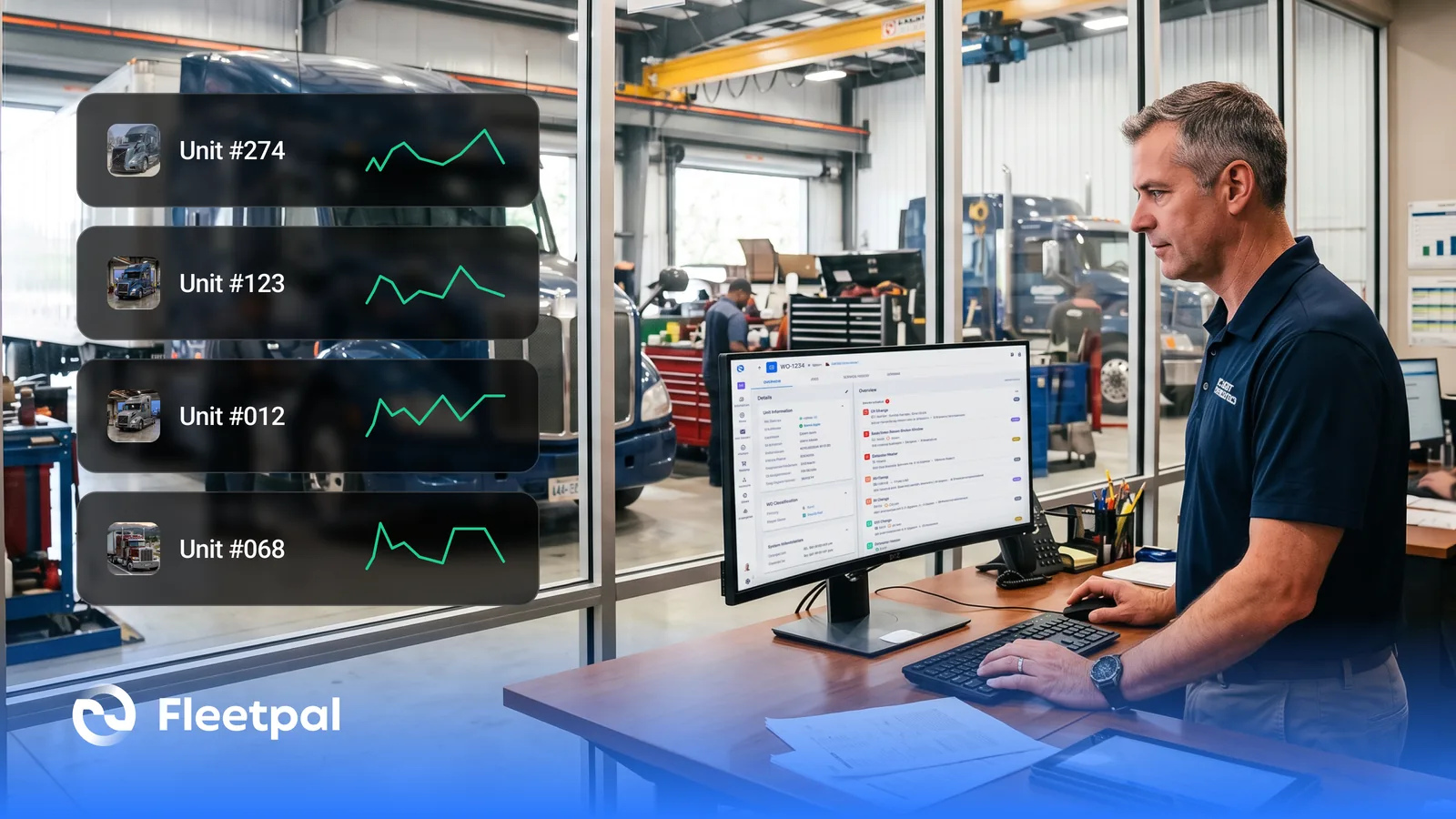
How Fleets Actually Use Maintenance Reports (and What Real-Time Fleet Insights Really Mean)
How fleets actually use maintenance reports, what real-time fleet insights really mean, and what to ask fleet reporting software vendors before you buy.
Read article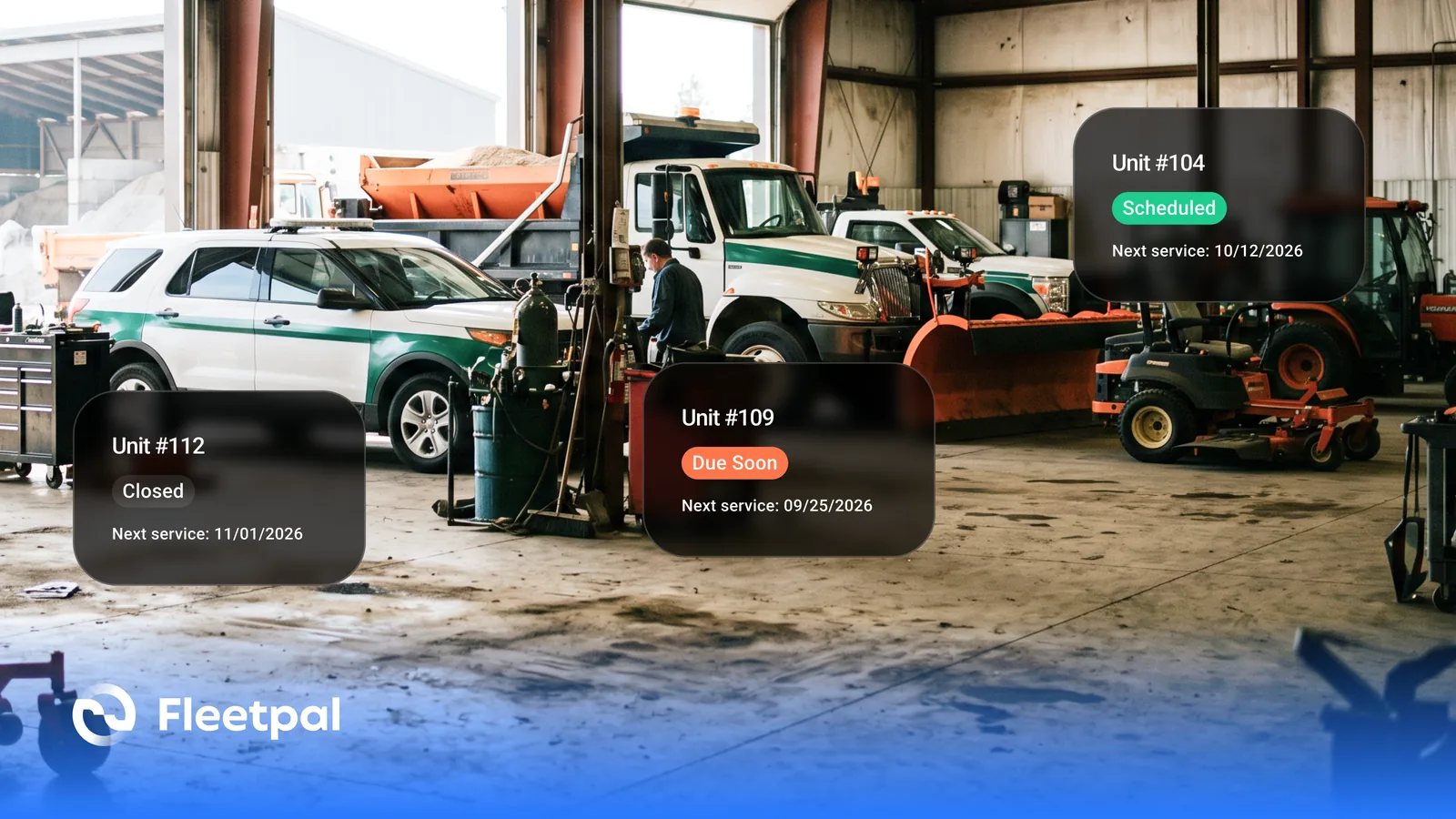
How Cities and Counties Actually Manage Fleet Maintenance (and What Software Has to Prove)
How city and county fleets manage maintenance across departments: PM on the right meter, approvals before spend, audit trails, and what to ask vendors.
Read article
How to Choose Fleet Maintenance Software for Heavy-Duty Fleets (Without a Best-Of List)
The evaluation questions that separate fleet maintenance software vendors: mixed fleets, telematics data flows, work orders, PM triggers, and cost.
Read article
How Fleets Actually Manage Parts Inventory (and Why the Count Never Matches the Shelf)
How fleet parts inventory management actually works: accurate counts, parts tied to work orders, cost per repair, and what to ask software vendors.
Read article
How Failed Inspection Items Become Work Orders (and Why Most Fleets Lose Them in Between)
Converting failed DVIR items into work orders: how the loop should run, where it breaks, and what to ask vendors who integrate inspections and work orders.
Read article